+44 7435 708864Book a free 30 minute callBook a call

Service

HAeX AI Booster for UK Teams: An AI Assistant for Every Employee

The HAeX AI Booster gives each person on your team an AI assistant set up for their own job. It comes with hands on training and a clear policy for safe use. It runs for four weeks, one team at a time, from £3,500 for up to 10 people. It is our answer to people asking about AI employees: the AI works alongside your staff and does not replace them. Your people, with an AI booster.
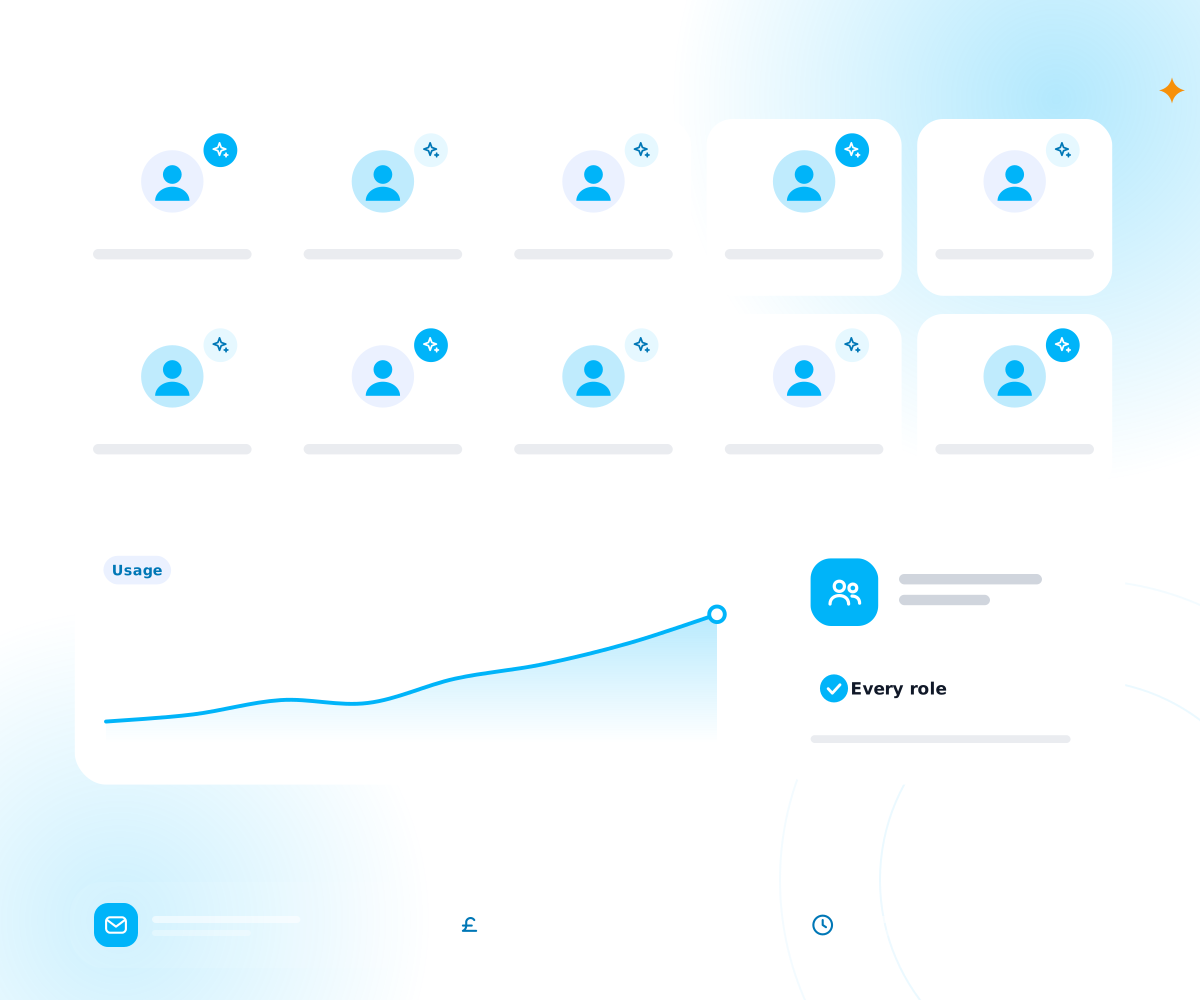
A team of assistants across roles with usage rising over time
Price
from £3,500 for a team of up to 10 people
Length
four weeks, one team at a time
Tools
ChatGPT Enterprise, Microsoft 365 Copilot or Claude, set up for each role
You get
workflow map, quick win automations, role assistants, training, AI use policy
Proof
hours saved per person per week, measured before and after, and signed off with you
Experience
the team has worked with AI since 2022

It suits UK teams that already pay for AI tools, or want to, and want every person to get real use from them.

Is the AI Booster right for my team?

It works for small, mid sized and enterprise teams where people lose hours to documents, data entry, emails and follow ups. The programme works one team at a time, so you can start with finance, client services or the office team and widen it later. It is a good fit for accountants and law firms, where much of the day is writing, checking and chasing.

Not sure where you stand? Try the AI Readiness Assessment or read our AI adoption guide for UK SMEs.

It is not a fit if nobody on the team wants to try it. The programme works because people use it.

Is this the same as AI employees or digital workers?

No. The AI Booster does not add a digital worker to your payroll. It gives your existing people an assistant they control.

Each person stays in charge of their own work. The assistant drafts, summarises, checks and looks things up, and the person decides what goes out. That leaves your team more time for the parts of the job that need a human, such as judgement, relationships and care.

If you want an AI to run a task from start to finish on its own, that is a different service. Our AI Automation Services cover it.
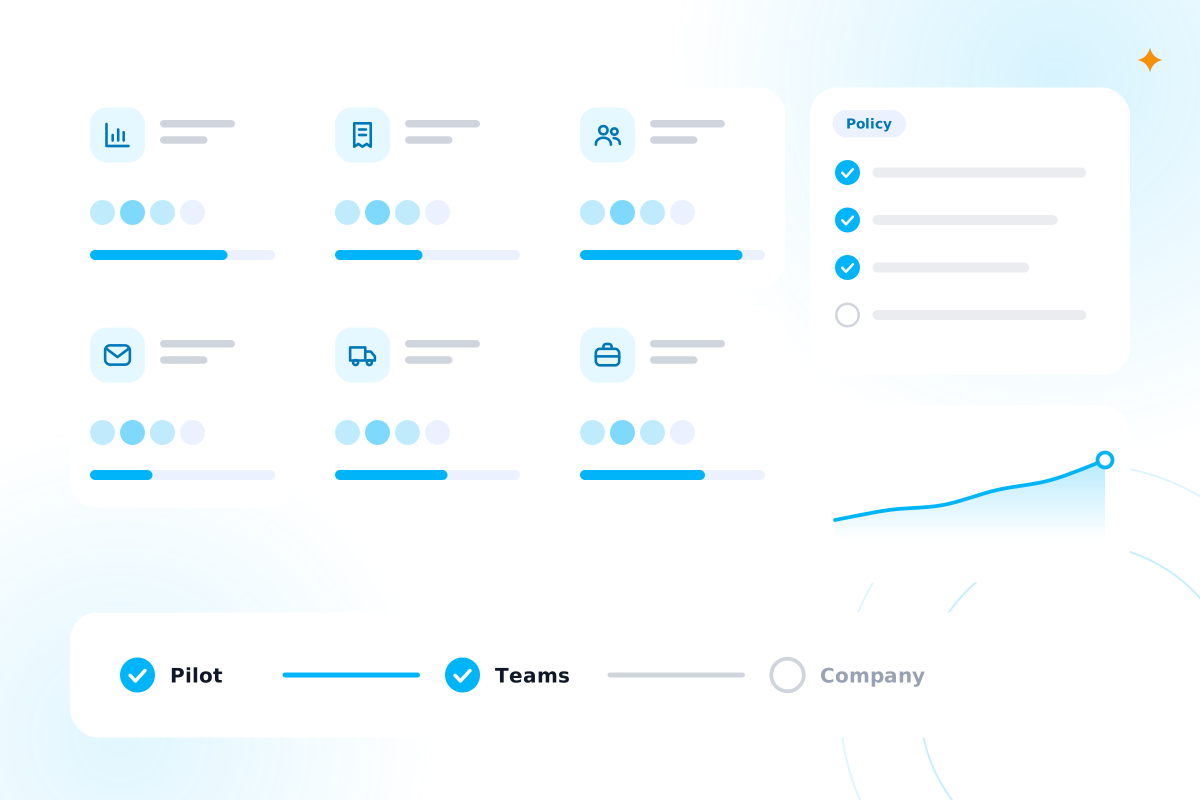
A rollout by role with team seats, usage and a policy checklist

AI booster

What do we actually get from the AI Booster?

You get five things over four weeks, and each one is useful on its own.

  1. 1

    Map the work

    We map each role's workflow and ask the team to keep a one week time log. That shows where the hours go.

  2. 2

    Automate the repeatable steps

    We build two or three quick win automations from our AI Automation service.

  3. 3

    Give every role its assistant

    We set up the AI tool with assistants for each role, a prompt library and links to your own documents.

  4. 4

    Train and govern

    Each team gets hands on sessions, an AI use policy and a short guide on what not to put into AI.

  5. 5

    Measure the result

    We count hours saved per person per week, before and after, and sign the figure off with you.

Which AI tools do you set up?

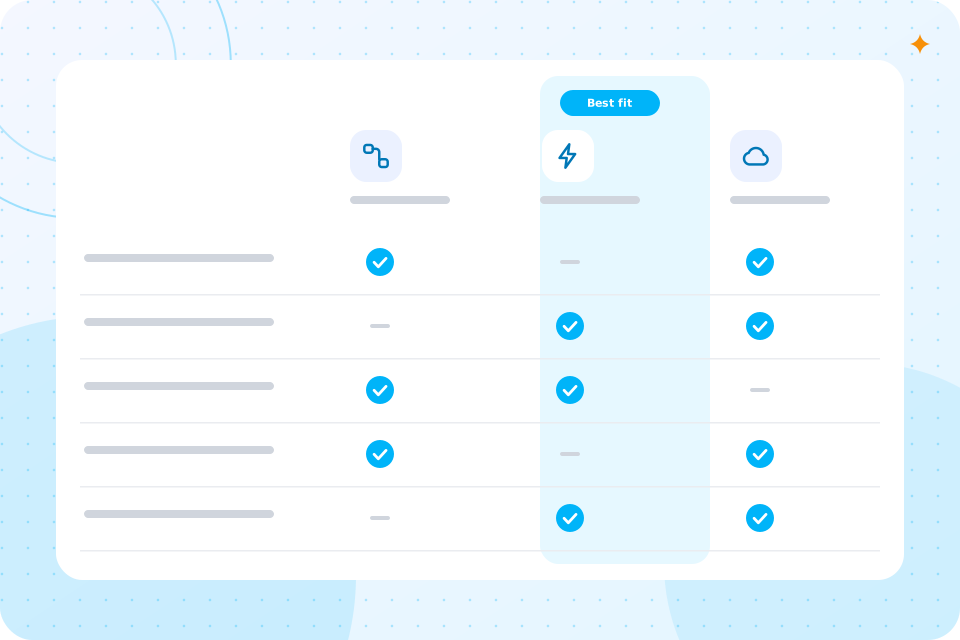
We set up ChatGPT Enterprise, Microsoft 365 Copilot or Claude, whichever fits what your team already uses.

We are vendor neutral, so we do not push one over another. If you work in Outlook, Teams and Word all day, Microsoft Copilot for business is often the natural choice. If you want a general assistant, our ChatGPT Enterprise rollout sets it up properly.

Whichever you choose, each role gets its own assistant and a small library of prompts that work for that job. An office manager and a bookkeeper need different help, so they get different setups.

Teams that prefer Claude can read about Claude AI integration. Small firms can start with AI consulting for small businesses.
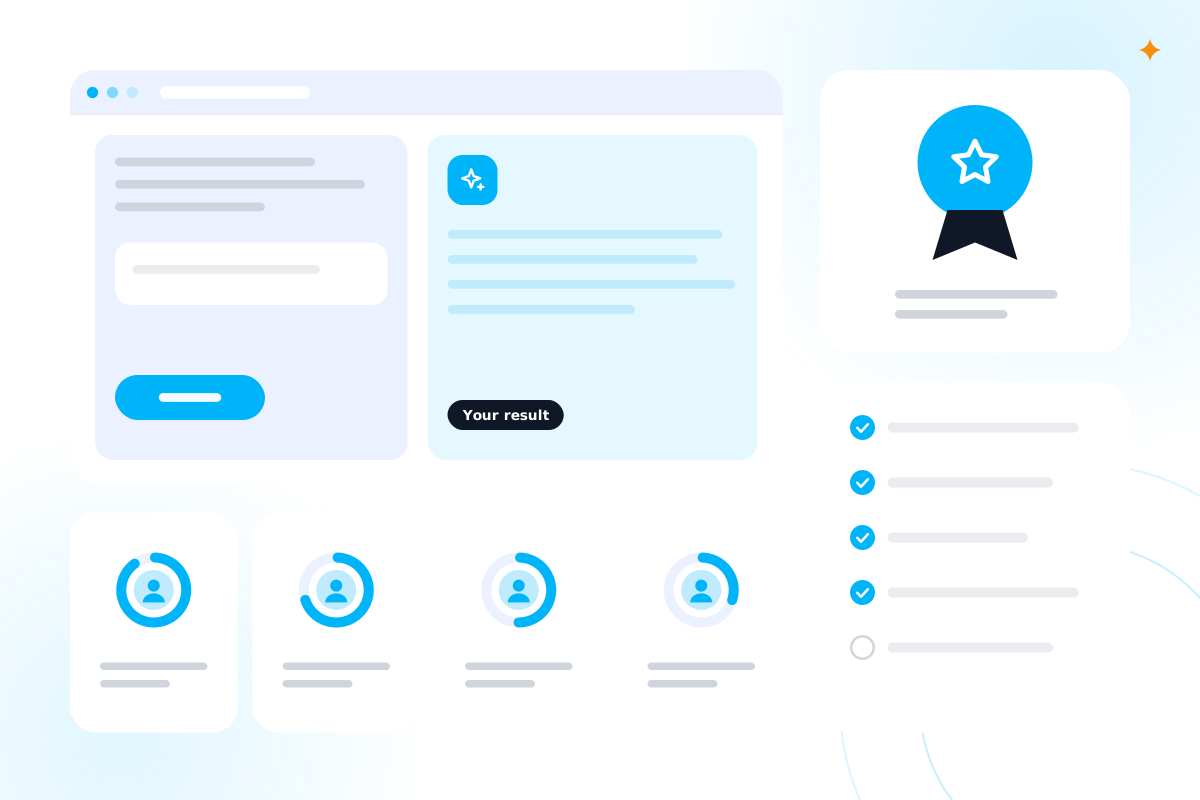
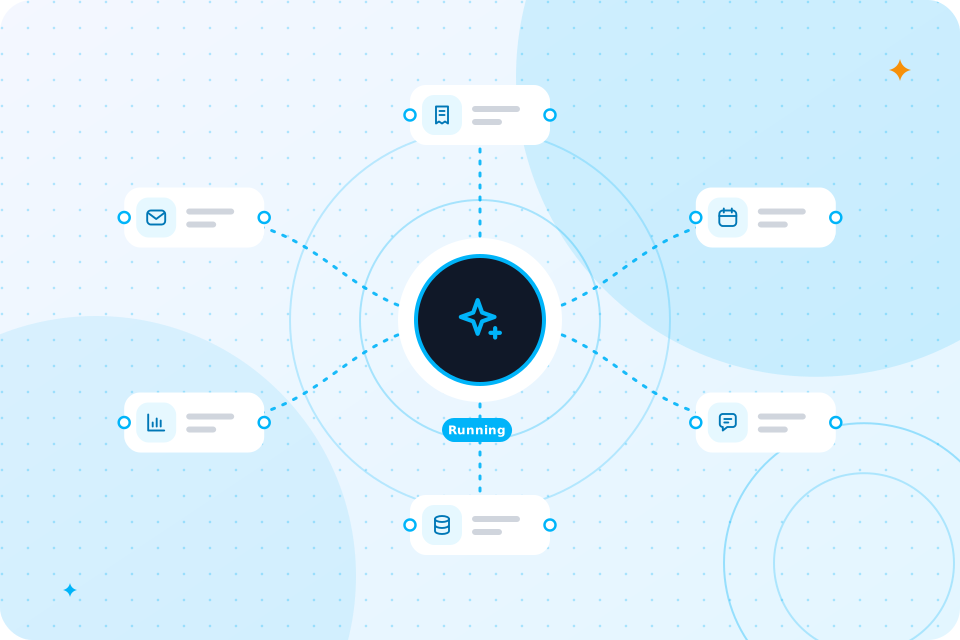
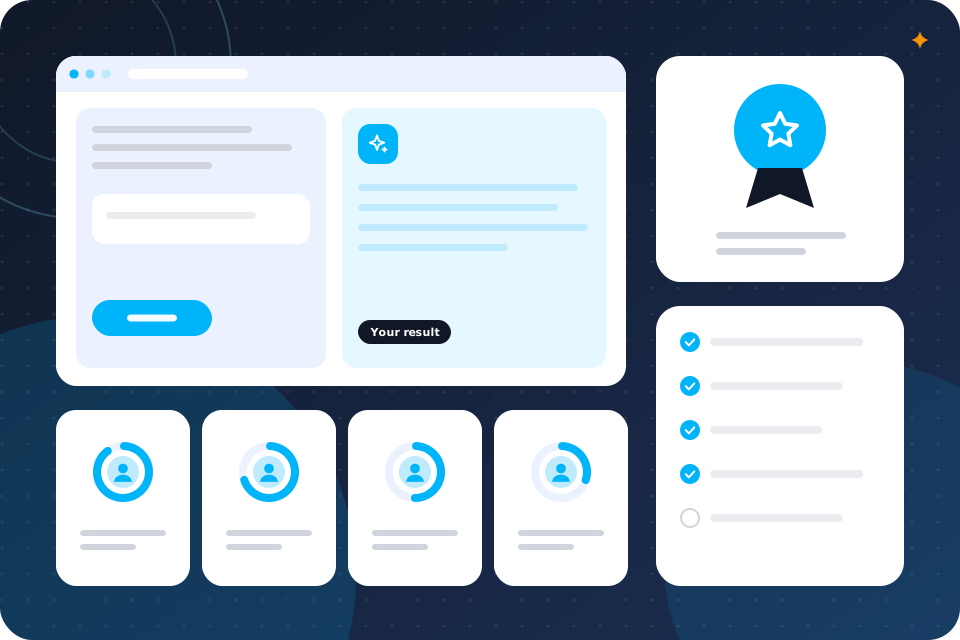
A workshop screen, learner progress rings and a skills badge

We find them with a role by role workflow map and a one week time log kept by your team.

How do you find where the hours go?

People often guess wrong about where their time goes. The log shows the real picture, task by task. We then sort each step into three groups: automate it, assist it with AI, or keep it human.

You can start yourself with our free Workflow Automation Map. It turns the steps of a process into a map with suggested quick wins. When the work is mostly about the process itself, our process optimisation service goes further.

Will my team actually use it?

They are more likely to if the assistant is set up for their job and they have had hands on practice with it.

That is why the training is by team, not by company. Each session uses your own documents and your own tasks, not generic examples. People leave with prompts they can use that afternoon. Our wider AI training for employees is the training step of the programme.

We also keep the rules simple. A short policy tells people what they can use AI for, and what they should keep out of it.

How will we know it worked?

We measure hours saved per person per week, before and after, and sign the figure off with you.

You see the numbers for your own team, taken from the time log in week one and a repeat check at the end. We only quote a figure that we measured. We do not promise a result in advance.

To work out what an hour is worth, use the Staff Time and Cost Calculator. It turns hours back into pounds for each role.

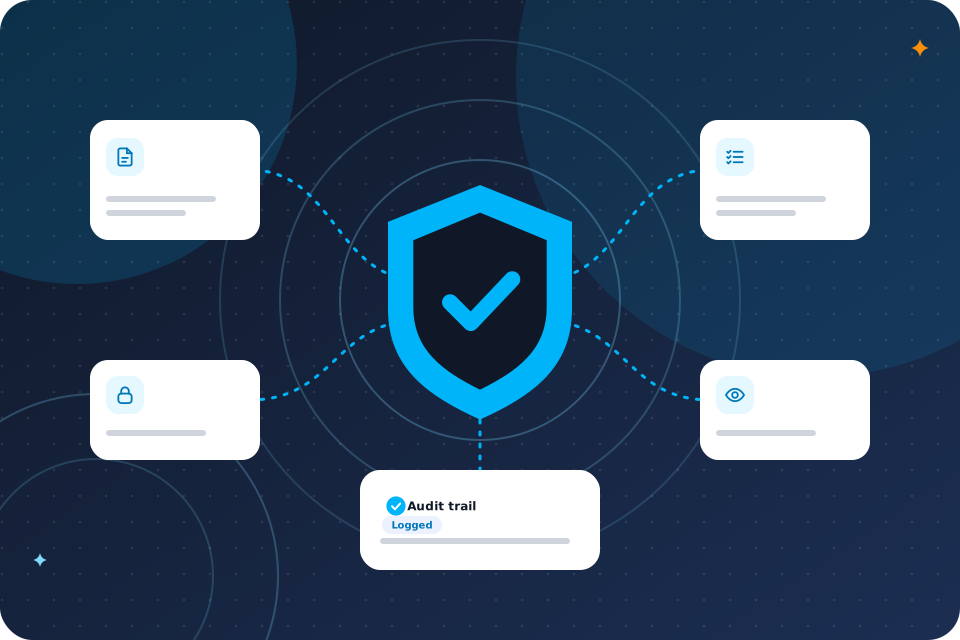
Yes, with the right tool settings and clear rules. The programme includes an AI use policy and a guide on what never goes into AI.

Is it safe to put our data into AI?

We set up each tool with your data in mind. We tell you what each tool does with your information before you commit. Where the work needs one, we also write a data protection impact assessment. Read more about AI governance and compliance, or draft a first policy with our AI policy generator.

Staff get a short, plain guide they can keep on their desk. It covers what is fine to share, what is not, and who to ask.

What does the AI Booster cost?

It starts from £3,500 for a team of up to 10 people. Automations that go beyond the quick wins are quoted separately.

ItemAI Booster
PriceFrom £3,500
Team sizeUp to 10 people
LengthFour weeks
IncludedWorkflow map, quick win automations, role assistants, training, AI use policy, before and after measurement
Quoted separatelyLarger automations, teams over 10
Not includedAI tool licences, which you buy from the vendor

If your team is larger than 10, we scope it on the call, usually as more than one team.

How long does it take, and what happens next?

The programme takes four weeks, one team at a time. Booking a call is the first step.

  1. 1

    Discovery call

    30 minutes. You tell us who is on the team and what takes their time.

  2. 2

    Quote

    We confirm the team, the tools and the start date in writing.

  3. 3

    Four week programme

    Map, automate, set up, train and measure.

  4. 4

    Review

    We show you the before and after hours, and you decide what to do next.

Your questions, answered

Can the AI Booster work with Microsoft 365?

Yes. Microsoft 365 Copilot is one of the three tools we set up, and it suits teams that live in Outlook, Teams and Word.

Do we need technical staff to run it?

No. We set the tools up and train your people. Nobody on your side needs to write code.

What if our team has already tried ChatGPT?

That helps. We start from what people already use, then add role assistants, shared prompts and a policy, so the use is consistent and safe.

Which roles get the most from it?

Roles with a lot of writing, checking, data entry or chasing, such as finance, client services, operations and the office. We confirm this in the workflow map for your team.

What happens after the four weeks?

You keep the assistants, the prompt library and the policy. If you want us to keep improving things, we scope that separately.

Is it only for teams of up to 10?

The price covers a team of up to 10. Larger teams are scoped on a call, often as more than one team.

Do you sell the AI tool licences?

Licences are a separate cost from the vendor. We tell you what you already hold and what you would need before you commit.

What happens on the call

  1. 1

    You tell us about the team and the tasks that take the most time

  2. 2

    We show you how the four weeks would run for your team

  3. 3

    You leave with ideas you can act on and a clear next step

It is 30 minutes with one of our consultants, with no slides.

Prefer to talk first? Call 07435 708864.

What you now know

  • It suits teams that want every person to get real use from AI.
  • It gives your people an assistant, not a digital worker.
  • You get a map, quick wins, assistants, training and a policy in four weeks.
  • We set up ChatGPT Enterprise, Microsoft 365 Copilot or Claude.
  • A time log shows where the hours go.
  • Training is by team, using your own work.
  • We measure hours saved per person per week and sign it off with you.
  • A policy and a short guide keep use safe.
  • It starts from £3,500 for up to 10 people.
  • It takes four weeks, one team at a time.

Talk through the AI Booster for your team

The first call is free. We confirm the team, the tools and the start date in writing.

Scroll to Top