+44 7435 708864Book a free 30 minute callBook a call

Industry

AI for Accountants in the UK: Stop Chasing and Keying, Start Advising

Your clients send records late, in the wrong format, or not at all. Your team keys receipts into Xero, chases bank statements and answers the same questions every January. The advice you are paid for gets squeezed. HAeX builds AI for accountants that takes the chasing and keying off your team, with a person checking the work.

Receipts, a bank feed matching and a VAT return due

Accountants

Where does the time go in an accountancy practice?

It goes on five jobs that repeat all year. Each is dull, each is rule based and none is the advice clients pay for.

Chasing records

Clients send bank statements, receipts and mileage late. Someone emails, waits, emails again and files the reply by hand.

Keying documents

Supplier invoices and receipts arrive as PDFs, photos and paper. A person opens each one and types the supplier, date, VAT and total into the ledger.

Coding bank lines

Every month the same suppliers appear and the same codes apply. Even so, each line is reviewed one at a time.

Onboarding

A new client means an engagement letter, ID, proof of address and anti money laundering checks. Missing documents stall the start.

Answering the same questions

Clients ask when their return is due, what you need and where their document is. In January and at quarter ends the phone and inbox fill up.

How can UK accountancy firms use AI safely?

Use AI for the repeat work around the advice: chasing records, capturing receipts, coding bank lines and onboarding clients. Keep a person on every figure and every client message that matters. Check the tool's data terms first. We build with that rule and write a UK GDPR and data flow note for each project.

Here is the same week with and without the automation. These are examples, not client results.

Your week, before and after

BeforeAfter
Emailing clients for missing receipts and statementsReminders go out on a schedule and replies are filed
Keying receipts and supplier invoices into the ledgerDocuments are read and posted as drafts for review
Coding bank lines one by oneSuggested codes arrive for you to approve
Chasing ID and engagement letters at onboardingOne checklist runs, and gaps are flagged
Reading every inbox message to sort itMessages are sorted and urgent ones are flagged

Which five workflows can we automate first?

These five suit most UK practices. Each links to the service page that builds it. The figures use assumed numbers, so replace them with yours.

WorkflowWhat it doesExample with assumed figures
Client record chasingSends reminders, files replies, flags who is still missing30 clients at 5 minutes each is 2.5 hours a week. See business process automation
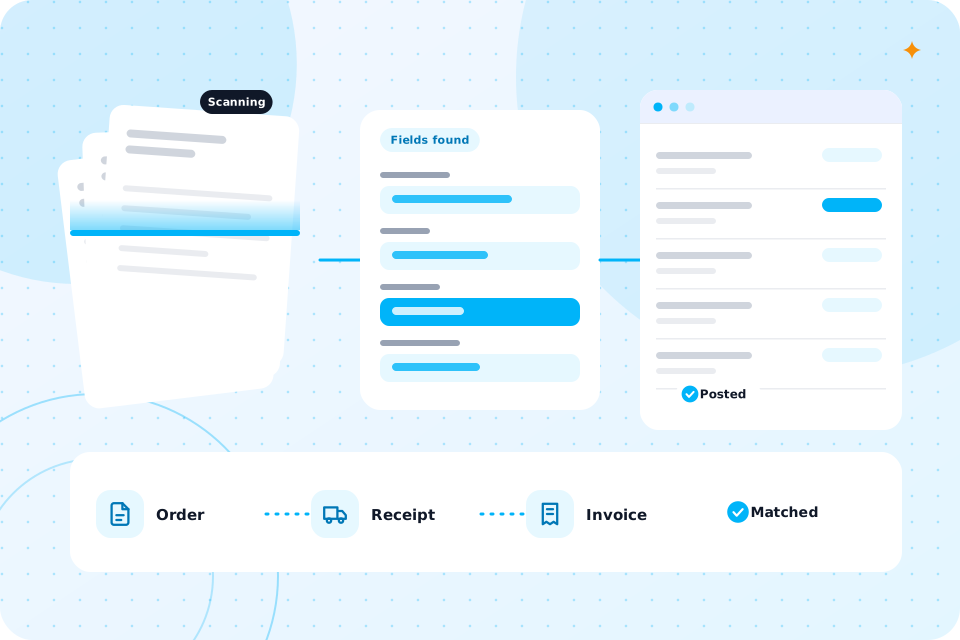
Receipt and invoice captureReads documents and posts drafts to Xero, QuickBooks or Sage100 documents a week at 3 minutes is 5 hours. See invoice and document automation
Bank line codingSuggests a code for each line, and you approve400 lines a month at 30 seconds is 3 hours 20 minutes
Onboarding and AML checksRuns a checklist, collects documents, flags gaps4 new clients a month at 45 minutes is 3 hours
Inbox triage and deadline remindersSorts mail, drafts replies for approval, reminds clients of dates60 messages a day at 1 minute is 1 hour a day. See AI agents

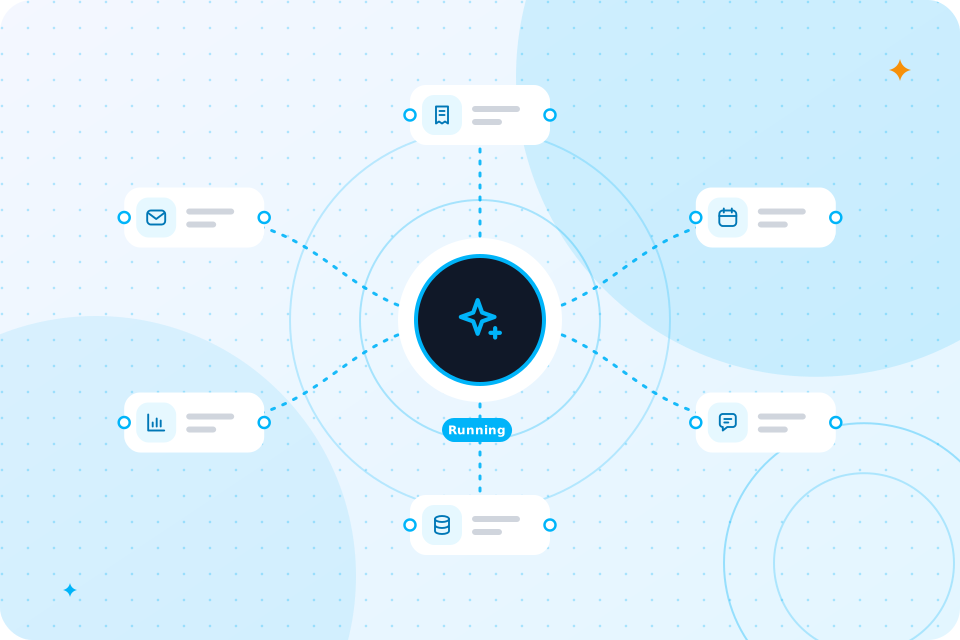
For workflows that join your tools, see AI workflow automation.

How does each workflow work in practice?

Each one follows the same pattern: the automation does the routine steps, and a person approves anything that matters.

Client record chasing

When a period closes, the automation checks which records you hold. It emails each client a plain list of what is missing. It sends a second reminder on a date you choose. It files replies in the right client folder and updates your tracker. You see one list of who is still outstanding.

Receipt and invoice capture

The automation watches a shared inbox or folder. It reads each document, pulls out the supplier, date, lines, VAT and total, and creates a draft bill in Xero, QuickBooks or Sage. Unclear documents go to a person. Nothing is approved or paid by the tool.

Bank line coding

The tool looks at past coding for each client and suggests a code and VAT treatment for each new line. You see the suggestion, the reason and a confidence mark. You approve in batches. Unusual items always stop for a person.

Onboarding and AML checks

A short form starts the process. The automation sends the engagement letter, asks for ID and proof of address and logs what arrives. It flags what is missing. Your money laundering reporting officer reviews the evidence and makes the decision. The tool never clears a client on its own.

Inbox triage and deadline reminders

The tool sorts incoming mail by client and type, flags urgent items and drafts replies from your approved wording. You read each draft before it goes. It also sends date reminders for returns and payments, so clients hear from you before the deadline.

Documents scanned, fields read and entries posted to a ledger

What will we not automate?

We will not automate advice, judgement or sign off. Tax positions, accounts approval and AML decisions stay with a qualified person.

We also do not let a tool pay bills or change bank details by itself. A changed bank detail is a fraud warning, so it always stops for a human check. The aim is less typing, not less care.

Several rules apply at once. The table shows the main ones, what they mean for AI and how we handle them.

Which UK rules apply to AI for accountants?

RuleWhat it means for AIHow we handle it
ICAEW and ACCA guidanceProfessional bodies publish guidance on using AI; members stay responsible for their workA person reviews all work, and we log what the tool did
Money Laundering Regulations 2017You must complete customer due diligence and keep recordsAutomation collects documents; your MLRO makes the decision
UK GDPRClient data needs a lawful basis, limits and securityA data flow note, and a DPIA where one is needed
Making Tax DigitalMore digital records and regular updates are phasing inCapture and filing steps keep records ready

We are not a law firm, and nothing here is legal advice. Take legal questions to your own adviser.

What would a first project look like, and what does it cost?

A first project is usually one workflow, built in 2 to 6 weeks. Receipt and invoice capture is the most common. We scope the price on a call and quote in writing.

It starts with the AI Automation Audit. It maps your process, ranks five automations by hours saved and gives a written quote. You can build with us or take the plan elsewhere. The Staff Time and Cost Calculator turns your hours into pounds first.

We can scope a first project for your firm on a free call.
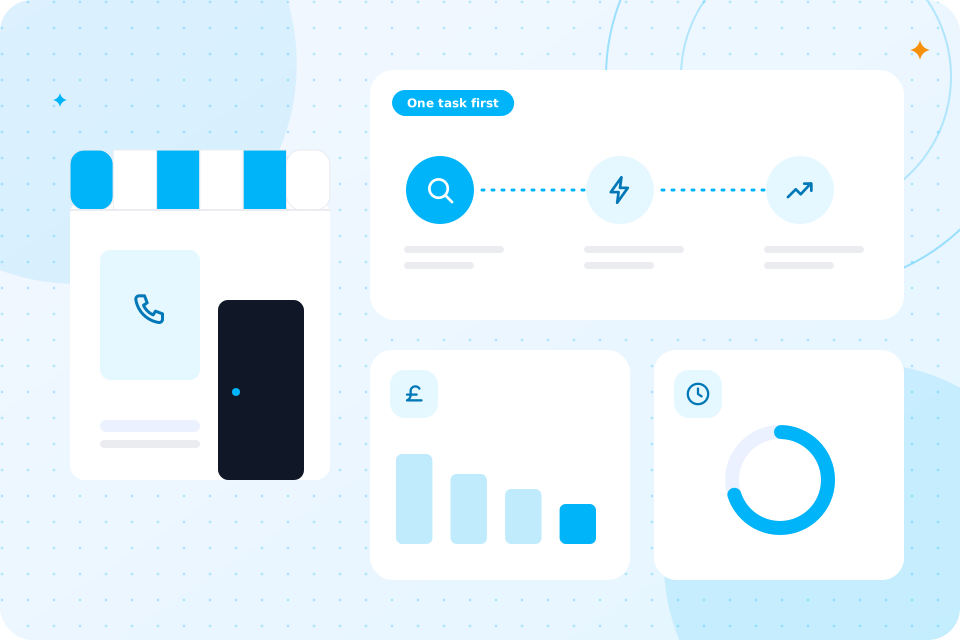
Receipts, a bank feed matching and a VAT return due

Do calls matter for an accountancy practice?

They do at peak times. January and the quarter ends bring a rush of calls that pull people off client work.

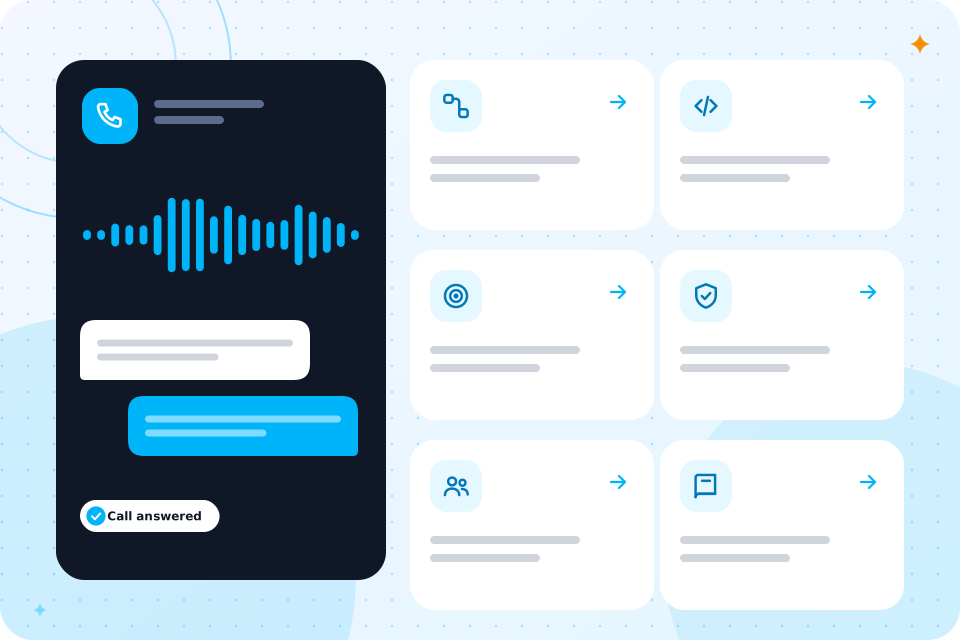
An AI Receptionist can take overflow calls, book appointments and pass urgent matters to a partner. It answers only from information you approve. It does not give tax advice. A person handles anything that needs judgement.

For a ready made phone setup, see our AI phone answering service.

It can be. We choose tools whose data terms you have read, limit what each tool sees and record where data is processed.

Is client data safe with these tools?

Every build comes with a UK GDPR and data flow note, and a DPIA where needed. We do not put client files into public tools. For a policy and staff briefing, see AI governance and compliance.

What do your clients notice?

They notice that you ask for things once, clearly, and that you reply faster. They do not notice the automation.

A client who gets one tidy list of missing items is more likely to send them. A client who gets a quick, accurate reply to a simple question trusts the practice more. Your team also stops working late on routine tasks in busy weeks. That matters when staff are hard to hire and harder to keep.

Where should we start?

Start with the work that is frequent, dull and rule based. For most practices that means document capture or record chasing.

The free call is the quickest way to choose. You can also compare with AI for law firms, which faces a similar document load.

Advice firms have a similar document load. See AI for financial advisers and brokers. For a wider view, read what you can automate by department.

Questions that come up

Can AI do bookkeeping for my clients?

It can do the typing and suggest codes. A person reviews the result before it goes into the books.

Does it work with Xero, QuickBooks and Sage?

Xero and QuickBooks have open connections. For Sage, it depends on the product, so we check on the call.

Can we use ChatGPT for client work?

Only with the right plan, settings and rules, and never with client data in a free public tool. We help you set a policy.

Does AI replace accountants?

No. We automate tasks, not people. It removes the chasing and keying so you can advise.

How do we handle anti money laundering checks?

The automation collects documents and flags gaps. Your MLRO still makes the decision.

What happens on the call

  1. 1

    You tell us where your team's time goes

  2. 2

    We say which workflow to automate first

  3. 3

    You leave with a short list of what to automate first and a rough idea of cost

Prefer to talk first? Ring 07435 708864.

What you now know

  • What eats your week
  • How to use AI safely in a practice
  • What your week looks like before and after
  • Which five workflows to start with
  • Which UK rules apply
  • What an example looks like
  • What a first project costs
  • Where calls fit
  • That client data stays protected
  • Where to start

Talk through your practice

The first call is free. Tell us where your team spends its week, and we say what to automate first.

Scroll to Top