+44 7435 708864Book a free 30 minute callBook a call

Industry

AI for HR and Recruitment Agencies in the UK: Less Admin, Fair Decisions

Your inbox fills with CVs that need keying. Interviews take a dozen emails to arrange. Right to work checks, timesheets and onboarding forms eat the week. HAeX builds AI for HR teams and recruitment agencies that handles the admin, with people making the hiring decisions.
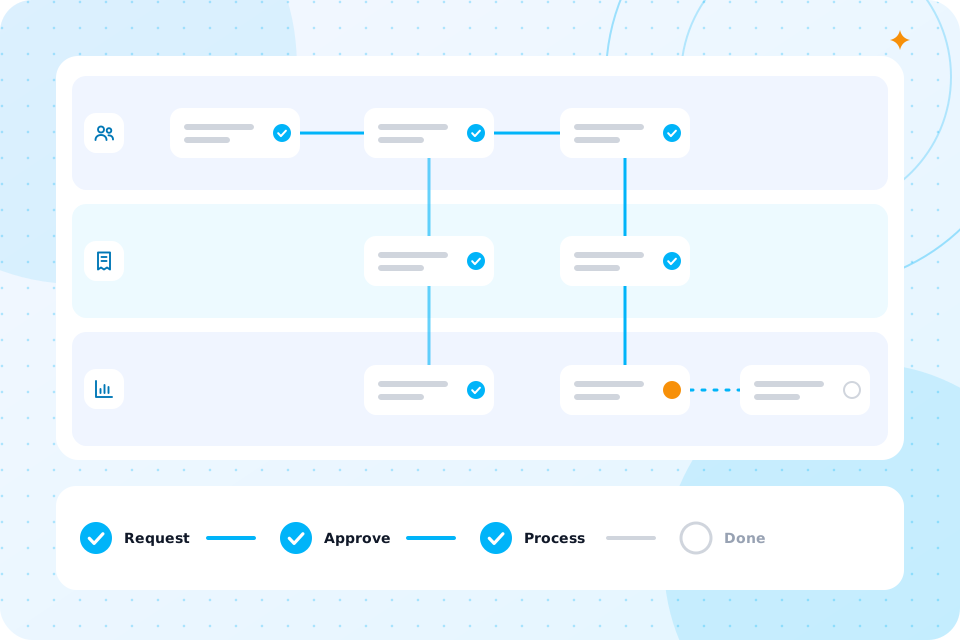
A candidate pipeline, a CV with highlights and interview slots

Recruitment and HR

Where does the time go in HR and recruitment?

It goes on five jobs that repeat for every role and every candidate. None needs a hiring decision, yet all take human time.

CVs and records

CVs arrive in many formats. Someone reads each one and types the details into the ATS.

Screening

A pile of applications has to be sorted against the brief, fairly and quickly.

Scheduling

Finding a time that suits the candidate, the manager and the room takes many messages.

Compliance checks

Right to work checks and references must be done and recorded for every hire.

Timesheets and onboarding

Contractors submit hours, and starters need contracts, forms and equipment.

How can UK recruitment and HR teams use AI safely?

Use AI for admin, sorting and scheduling. Keep a person responsible for every decision about a candidate or employee. Do not let a tool reject people on its own. We build with those limits and write a UK GDPR and data flow note, with a DPIA for any screening step.

Here is the same week with and without the automation. These are examples, not client results.

Your week, before and after

BeforeAfter
Keying CV details into the ATSCVs are read and the record is filled, with gaps flagged
Reading every application from scratchApplications are summarised against the brief for a recruiter to review
Emailing back and forth to book interviewsCandidates pick from live slots and the diary updates
Chasing right to work documentsA checklist collects documents and flags what is missing
Chasing timesheets and onboarding formsReminders go out and returns are filed

Which five workflows can we automate first?

These five suit most teams. Each links to the service page that builds it. The figures use assumed numbers, so replace them with yours.

WorkflowWhat it doesExample with assumed figures
CV parsing into the ATSReads CVs and fills records in systems such as Bullhorn or Vincere, where connected100 CVs a week at 3 minutes is 5 hours. See invoice and document automation
Screening with human sign offSummarises each application against the brief for a recruiter60 applications at 2 minutes saved is 2 hours. See AI agents
Interview schedulingOffers slots and confirms bookings25 interviews a week at 8 minutes is 3 hours 20 minutes. See AI workflow automation
Right to work checksCollects documents and records the check for a person to verify10 hires a month at 20 minutes is 3 hours 20 minutes
Timesheets and onboardingChases hours, files returns and starts onboarding tasksSee business process automation

How does each workflow work in practice?

Each one follows the same pattern: the automation does the routine steps, and a person decides anything that matters.

CV parsing into the ATS

A CV arrives by email or upload. The tool reads it, extracts the name, contact details, roles and skills and creates or updates the record. Where the ATS has a connection, we use it. A recruiter sees any field the tool was unsure about.

Screening with human sign off

For each role, you set the criteria. The tool summarises how each application matches them and shows its reasons. A recruiter reads the summary and decides who goes forward. The tool never rejects anyone. We design it this way because of the law on automated decisions and the need to avoid bias.

Interview scheduling

The candidate gets a link with live slots from the manager's diary. They pick one, and both sides get a confirmation. Changes update everyone. Reminders go out before the day.

Right to work checks

The tool asks the candidate for the documents, files them and prompts the person who does the check. A trained person verifies the documents, and the record notes who did it and when. The tool does not decide whether a document is valid.

Timesheets and onboarding

Reminders go to contractors who have not submitted hours. Returns are checked against rules, such as maximum hours, and exceptions go to a person. For a new starter, one form starts the onboarding tasks across HR, IT and payroll.

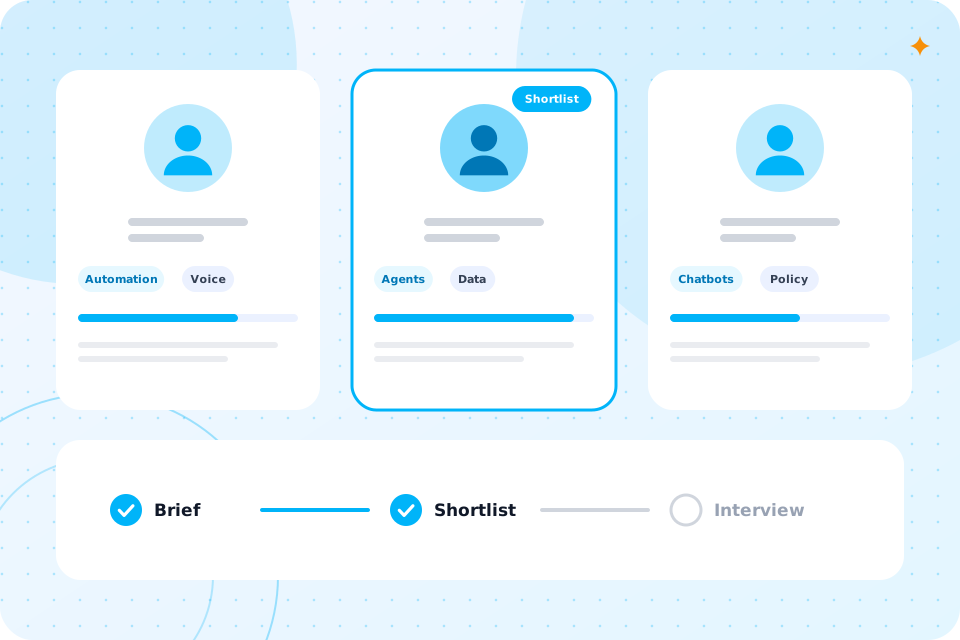
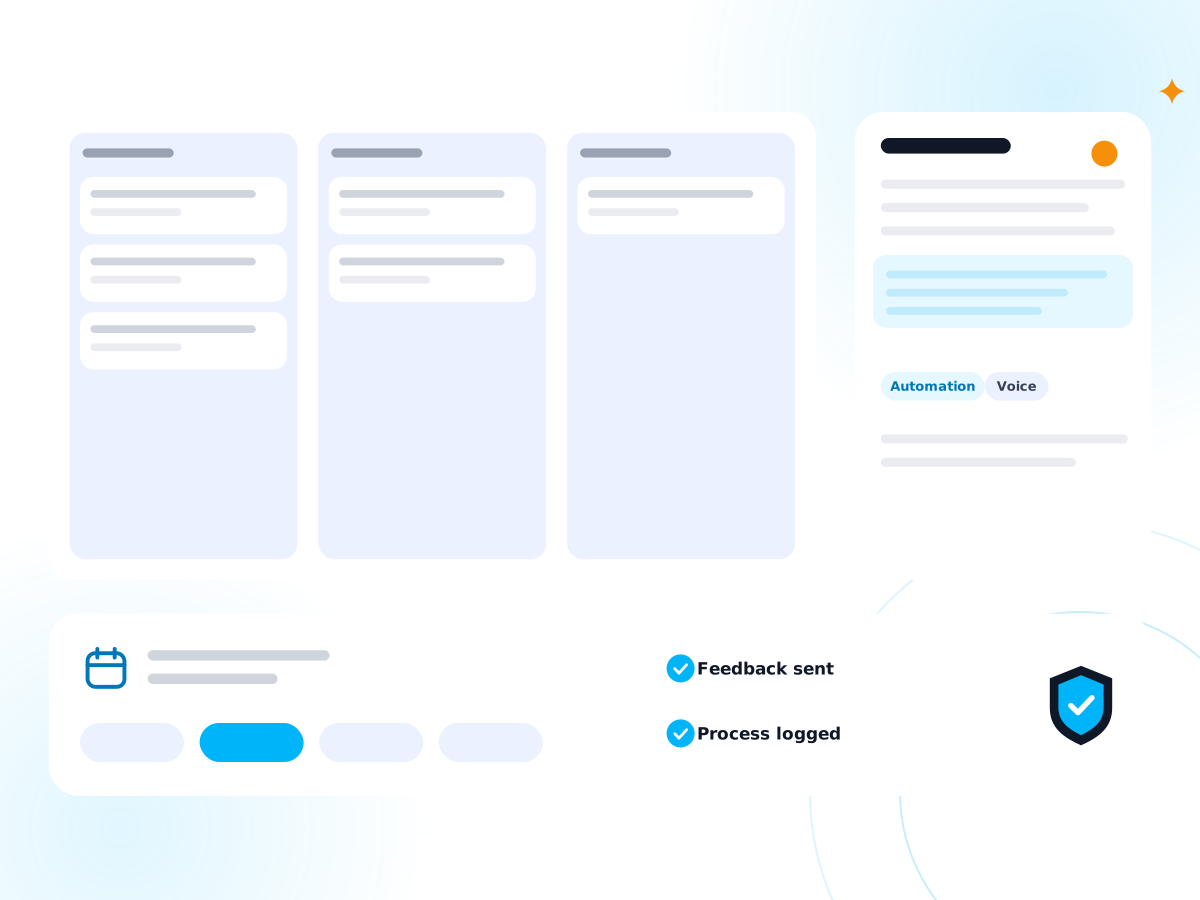
Three specialist profiles with skill tags and a shortlist track

Which UK rules apply to AI for HR and recruitment?

Several rules apply at once. The table shows the main ones, what they mean for AI and how we handle them.

RuleWhat it means for AIHow we handle it
UK GDPR and the Data (Use and Access) Act 2025Rules on automated decisions about people apply, and safeguards are neededA person makes every decision, and we document safeguards
Equality Act 2010Selection must not discriminateCriteria are set by you and reviewed; the tool shows its reasons
ICO guidance on AI in recruitmentCandidates must be told how their data is usedNotices are drafted, and a DPIA is written for screening
Right to work checksEmployers must check and keep recordsThe tool collects and files; a trained person verifies

We are not a law firm, and nothing here is legal advice. Take legal questions to your own adviser.

Our UK employer's checklist for using AI in recruitment covers screening tools and candidate rights.

What would a first project look like, and what does it cost?

A first project is usually one workflow, built in 2 to 6 weeks. CV parsing and scheduling are common first choices. We scope the price on a call and quote in writing.

It starts with the AI Automation Audit. It maps your process, ranks five automations by hours saved and gives a written quote. You can build with us or take the plan elsewhere.

We can scope a first project for your firm on a free call.

A candidate pipeline, a CV with highlights and interview slots

Yes. HAeX began in AI recruitment, and we supply AI and automation specialists to UK businesses. If you need a person to run what we build, see AI recruitment.

Can you also supply the specialist to run it?

That is a separate service, and you can use either one alone. We make no claims about numbers or results of past hires on this page.

Our guide explains what an AI expert is and which role fits.

Is candidate and employee data safe?

It can be. We limit what each tool sees, record where data is processed and set how long it is kept. CVs and right to work documents are personal data and need care.

Every build has a UK GDPR and data flow note, and a DPIA for screening. For a policy and a full review, see AI governance and compliance and AI risk assessment.

What do candidates and recruiters notice?

Candidates notice a quick reply, an easy way to book and no repeated forms. Recruiters notice less typing and more time on the calls that win placements and good hires.

A candidate who can book an interview in a minute is more likely to turn up. A recruiter who starts the day with a clean shortlist can spend it speaking to people.

We will not automate a decision to reject, hire or dismiss anyone. We will not let a tool judge a person's right to work.

What will we not automate?

We also do not use tools that guess a candidate's age, gender or background. The aim is less admin, and fairer decisions with a person in charge.

How is it set up for a small team?

We start small. One team, one workflow, one set of rules. We connect to the ATS, diary and mailbox you already use, as far as they allow, and we do not ask you to change systems.

You set the criteria, the wording of replies and the points where a person must step in. We test with real CVs and show you every output before it goes live. When you are happy, we add the next workflow.

How do we keep a person in charge?

Every workflow has a review point. A screening summary waits for a recruiter. A right to work record waits for the person who checks. A message to a candidate uses wording you have approved.

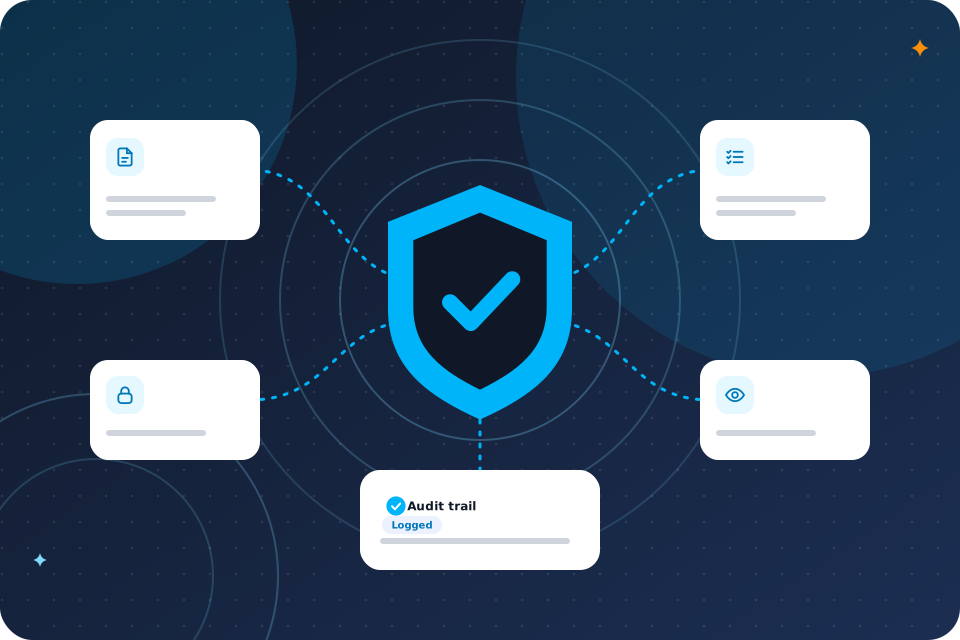
We keep a log of what the tool did and who approved it. If a candidate, regulator or client asks how you use AI, you can show them.

Start with the admin that costs most hours and carries least risk, which is usually CV parsing or scheduling. Add screening summaries later, with a DPIA.

Where should we start?

You can also compare with AI for accountants, which has a similar volume of documents and checks.

Questions that come up

Can AI screen CVs fairly?

It can summarise a CV against criteria you set, and show its reasons. A person must decide who goes forward.

Is it legal to use AI in recruitment in the UK?

Yes, with care. Rules on automated decisions, equality and data protection apply. We design for them and you should take legal advice.

Does it work with Bullhorn or Vincere?

It depends on the connection each system offers. We check on the call.

Will AI replace recruiters?

No. We automate tasks, not people. It removes admin so recruiters can talk to candidates.

Can you help with HR teams that are not recruiters?

Yes. Onboarding, timesheets, leave and policy questions all suit automation.

What happens on the call

  1. 1

    You tell us where your team's admin time goes

  2. 2

    We say which workflow to automate first

  3. 3

    You leave with a short list of what to automate first and a rough idea of cost

Prefer to talk first? Ring 07435 708864.

What you now know

  • What eats your week
  • How to use AI safely in HR and recruitment
  • What your week looks like before and after
  • Which five workflows to start with
  • Which UK rules apply
  • What an example looks like
  • What a first project costs
  • That we can also supply specialists
  • That candidate data stays protected
  • Where to start

Talk through your hiring admin

The first call is free. We say what to automate first, with a person in charge of every decision.

Scroll to Top