+44 7435 708864Book a free 30 minute callBook a call

Service

Microsoft Copilot for Business: A Safe Rollout for UK Teams

Microsoft Copilot for business is an AI assistant inside Outlook, Teams, Word, Excel and PowerPoint. HAeX rolls it out for UK teams: we tidy permissions first, set up prompts for each role and train your people. It forms part of the HAeX AI Booster, from £3,500 for a team of up to 10.

  • Permissions are checked before anyone turns it on.
  • Each role gets prompts that suit its work.
  • Hours saved are measured before and after.
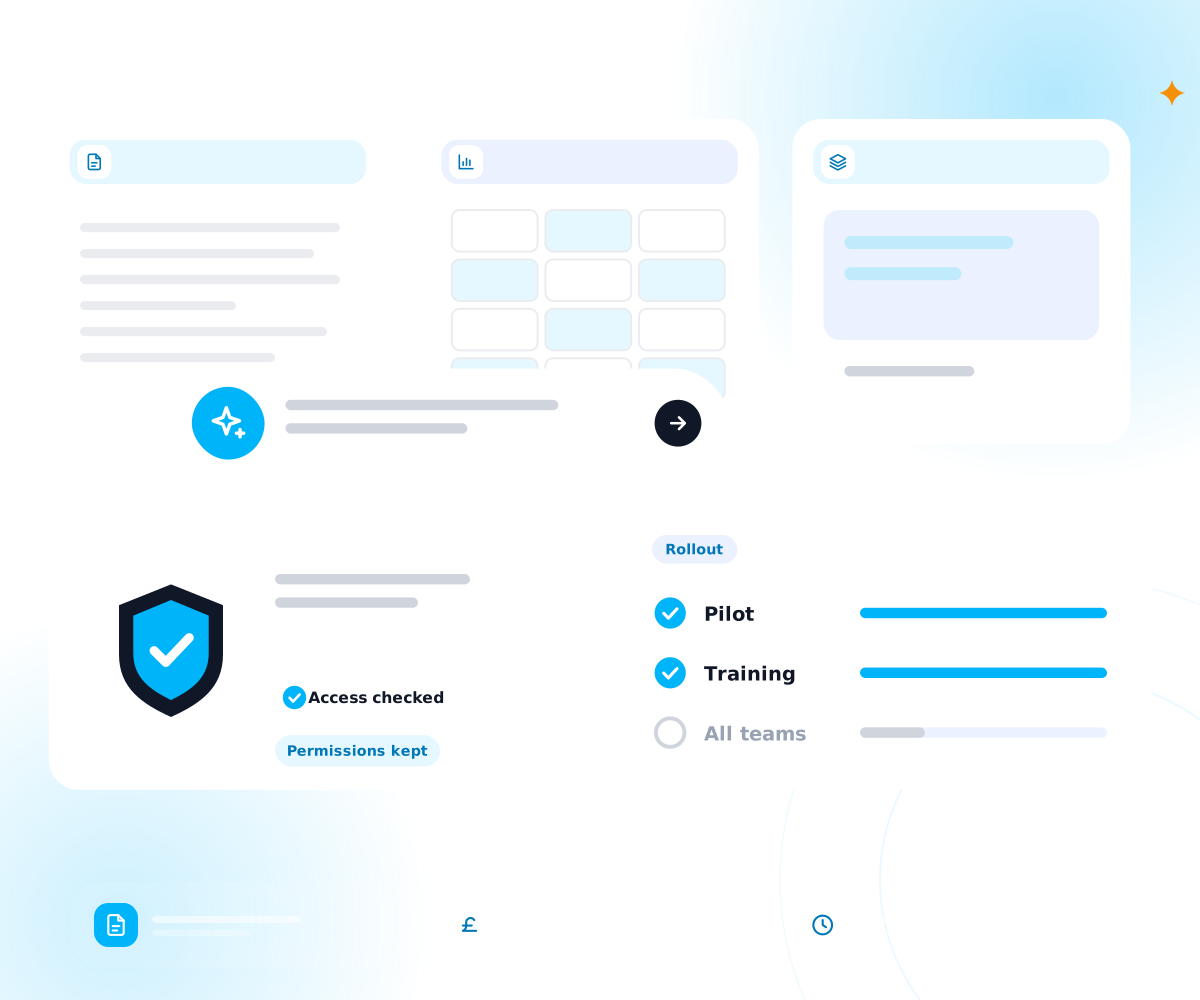
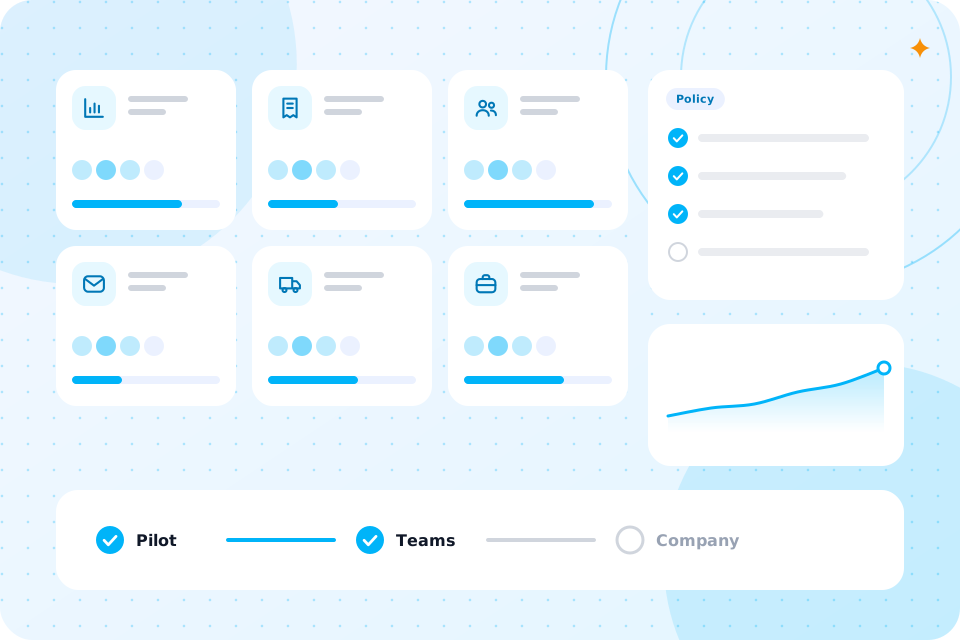
Document, sheet and slide tiles with an assistant prompt and access checks
Price
Part of the AI Booster, from £3,500 for a team of up to 10
Length
Four weeks, one team at a time
Tool
Microsoft 365 Copilot
Licences
Bought by you from Microsoft
You get
Permission check, role prompts, training and a use policy
Proof
Hours saved per person, measured before and after

Yes, if your team lives in Outlook, Teams, Word and Excel, and writes, summarises or searches for most of the day.

Is Microsoft Copilot for business right for my team?

It is a weaker fit for teams that work mainly in other systems. Then a general assistant may suit better, see our ChatGPT Enterprise rollout. We tell you which fits on the call. We are vendor neutral.

If your team prefers Claude, see Claude AI integration.

What does Copilot do in daily work?

It drafts emails, summarises meetings and long threads, writes first versions of documents and helps analyse data in Excel. It works with your own files.

It is a helper, not an autopilot. A person reads what it writes and decides what goes out. The best results come from people who know what to ask. That is why we train by role.
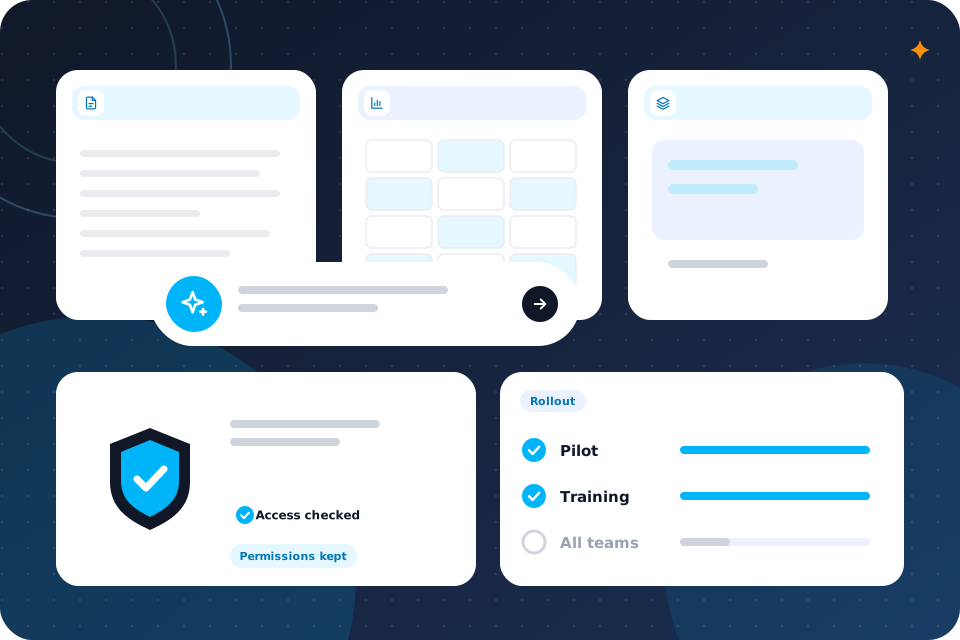
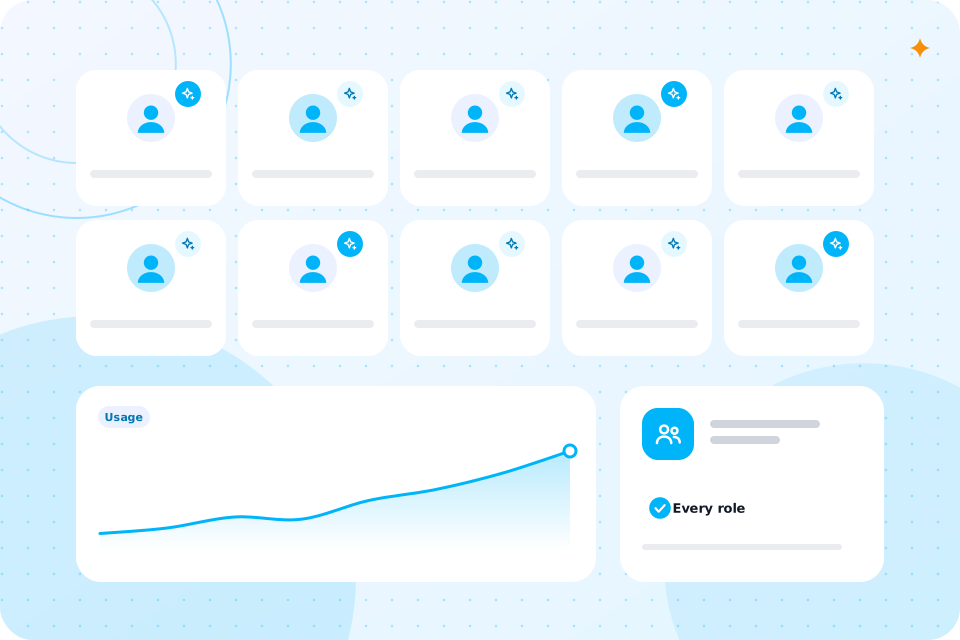
Document, sheet and slide tiles with an assistant prompt and access checks

Why check permissions before turning Copilot on?

Because Copilot can surface any file the user can already open. If permissions are too wide, a junior may find a salary sheet by asking a question.

This is the biggest practical risk, and it is easy to miss. Before rollout we review who can see what in SharePoint, OneDrive and Teams, and fix the worst gaps. It is dull work. It also makes your files safer with or without AI.

We write a short set of prompts for each role and test them on real work. An office manager and a finance lead need different ones.

How do you set up prompts and help for each role?

Prompts are kept in a shared library, with examples of good output and notes on what to check. People start with something that works. For flows that run on their own, see our Power Automate consultant page.

What does a worked example look like?

Here is a worked example with assumed figures. It is not a client result.

Say a team of 8 spends 20 minutes a day each summarising meetings and chasing actions. That is about 2 hours 40 minutes a day for the team. Copilot produces the summary and action list in Teams. Each person checks it in about 5 minutes. The team measures the change in week four.

We can work through this with your own details on a free call.

Which Microsoft licences do we need?

Copilot needs a qualifying Microsoft 365 plan and its own Copilot licence for each user. Names and rules change, so we check Microsoft's current page with you.

You buy the licences from Microsoft, not from us. We tell you the number you need before you buy, so you do not pay for seats nobody uses. If Copilot is too much for your size, we say so.

We train by team, using your own files and tasks. Sessions are hands on and short.

How do you train the team?

People practise real prompts and compare results. We also cover where Copilot goes wrong, such as a confident summary of a thread it half read. Our wider AI training page explains the formats. Some people search for Copilot training; this is that, tied to your work.

What happens to our data?

Copilot works inside your Microsoft 365 setup and follows your permissions. We still read Microsoft's current terms with you and record what applies in your data note.

We also write a one page rule for staff on what to keep out of AI. For fuller policy work, see AI governance and compliance.

What does a Copilot rollout cost?

It is part of the AI Booster, from £3,500 for a team of up to 10. Larger teams are scoped on a call. Licences are bought from Microsoft.

Automations beyond the quick wins are quoted separately. To turn hours into pounds, use the Staff Time and Cost Calculator.

Start with the free 30 minute call. Tell us who is on the team and which Microsoft 365 plan you hold.

What is the next step?

If you first want to find where the hours go, see process optimisation.

Questions that come up

What is Microsoft 365 Copilot?

It is Microsoft's AI assistant inside the Microsoft 365 apps. It works with the files you can already open.

Do we need a Copilot consultant?

Not always. A consultant helps most when permissions are messy or the team is unsure how to use it.

Is Copilot safe for client data?

It can be, if permissions are tight and the rules are clear. We check both.

Can small firms use Copilot?

Yes, if they hold a qualifying plan. We check cost against benefit first.

Does Copilot replace training?

No. People still need to learn how to ask and what to check.

Can you set it up and walk away?

We prefer to train and measure, so the use sticks. A care plan is optional.

What happens on the call

  1. 1

    You tell us who is on the team and which plan you hold

  2. 2

    We say whether Copilot, ChatGPT or another tool fits

  3. 3

    You leave with a short list of what to automate first and a rough idea of cost

Prefer to talk first? Ring 07435 708864.

What you now know

  • Whether Copilot suits your team
  • What Copilot does in daily work
  • Why permissions come first
  • How role prompts are set up
  • What a worked example looks like
  • Which licences you need
  • How the team is trained
  • What happens to your data
  • What it costs
  • Your next step

Talk through Copilot for your team

The first call is free. We check permissions and licences first, then say how we would set it up.

Scroll to Top