+44 7435 708864Book a free 30 minute callBook a call

Service

Power Automate Consultant for UK Firms on Microsoft 365

A Power Automate consultant builds the flows that move work between Outlook, Teams, SharePoint, Excel and Forms without anyone copying it by hand. HAeX does this for UK firms that already pay for Microsoft 365. We add AI where a flow needs to read or write text. Price is scoped on a call.

  • We work inside your Microsoft 365 tenant.
  • We check licences before we quote.
  • Every build has a UK GDPR and data flow note.
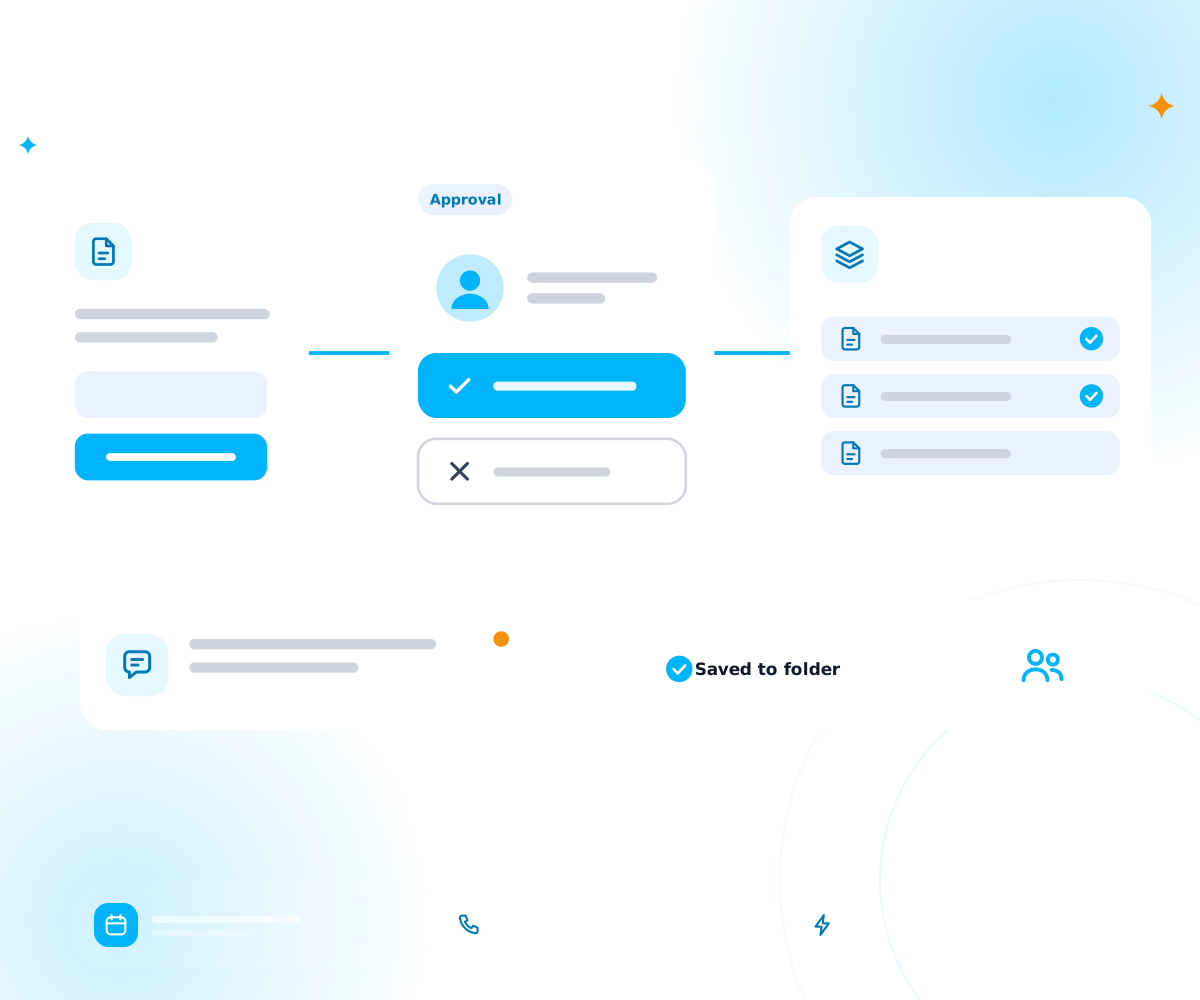
An approval flow across Microsoft 365 style files and team chat
Price
Scoped on a call, quoted in writing before we build
Time to live
Most builds take 2 to 6 weeks
Works with
Outlook, Teams, SharePoint, Excel, Forms, OneDrive
AI
OpenAI or Claude where a flow must read or write text
Data
Where it is stored is agreed per project and written in your data note

You need one if you pay for Microsoft 365 and your team still copies data between files and inboxes. A consultant gets the first flows live and set up safely.

Do I need a Power Automate consultant?

Many firms try Power Automate alone and stop after one or two flows. Common blocks are licences, permissions and what to build first. We clear those, then leave your team able to maintain what we build.

Power automate consultant

What can Power Automate do for a Microsoft 365 firm?

It can start work when something happens: an email arrives, a form is filled or a file lands in a folder. Then it moves data, asks for approval and sends a message.

Typical flows are:

  • Purchase and leave requests approved in Teams

  • Attachments from Outlook saved to the right SharePoint folder

  • New form answers added to an Excel table or a list

  • A weekly summary sent to a Teams channel

  • A client onboarding checklist that chases open tasks

For wider process work, see business process automation.

Invoices and documents are a common first job. See invoice and document automation.

Which licence do I need?

Many standard connectors come with Microsoft 365. Some connectors need a paid Power Automate licence. We check which ones your flows use before we quote.

Licence rules change, so we read Microsoft's current licensing page with you on the day. That avoids a surprise bill after launch. If a flow needs a paid connector, we show the choice and a cheaper route if one exists.
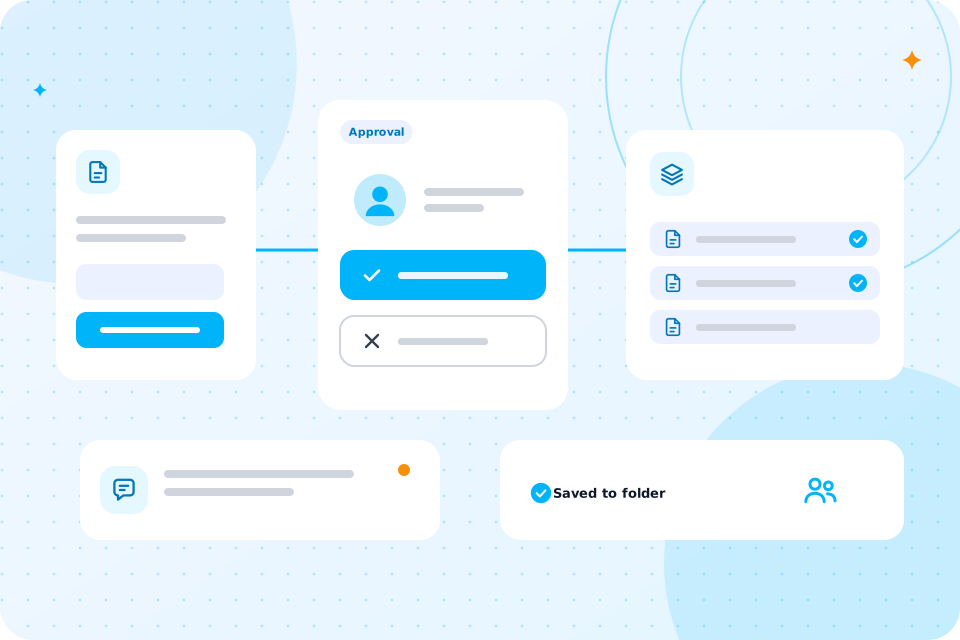

An approval flow across Microsoft 365 style files and team chat

Here is a worked example with assumed figures. It is not a client result.

What does a worked example look like?

Say your team sends 15 purchase requests a week. Each needs 8 minutes of emailing to get approval and update a log. That is 120 minutes, or 2 hours a week. A flow sends the request to the approver in Teams, records the answer and updates the log. People only step in when a request is refused.

We can work through this with your own details on a free call.

Should I use Power Automate, Make or Zapier?

If your work lives in Microsoft 365, start with Power Automate. If it spans many other apps, Make or Zapier may be simpler.

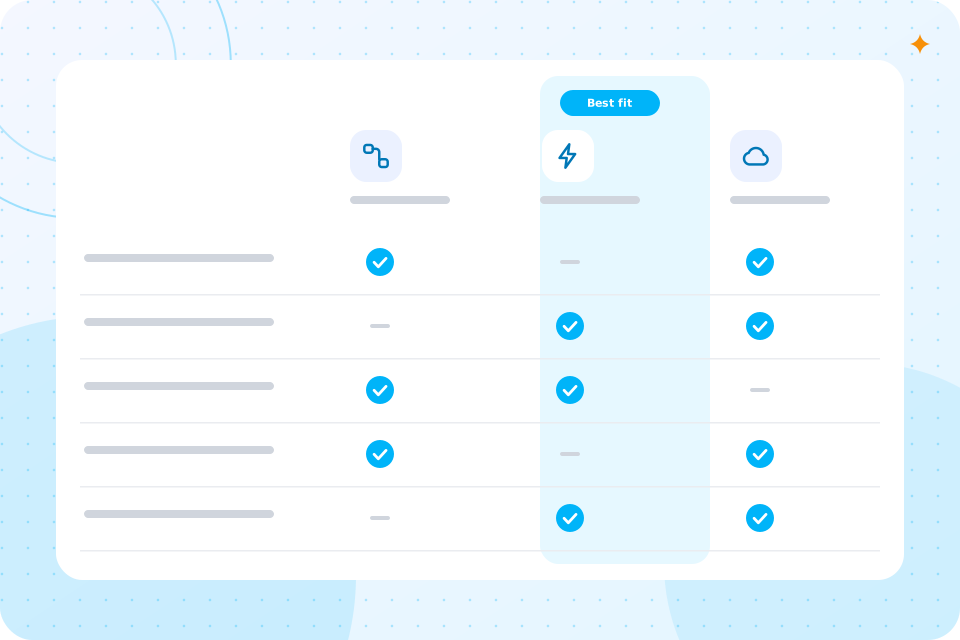
Your situationLikely best fit
Mostly Outlook, Teams, SharePointPower Automate
Many apps from different vendorsMake or Zapier
You want to host it yourselfn8n
A legacy app with no connectionRPA

See our Zapier and Make consultant and RPA consultant pages. We pick one with you, not for you.

For a tool you can host yourself, see our n8n agency page.

How does a project run, step by step?

It runs in four steps.

  1. 1

    Discovery call (30 minutes)

    You list the tasks that repeat.

  2. 2

    Audit and quote

    We check your tenant, licences and permissions, then quote in writing.

  3. 3

    Build (2 to 6 weeks)

    We build, test in a safe copy and show you each run.

  4. 4

    Run and improve

    We hand over with a plain guide. A care plan is optional.

Flows run in your tenant, so access follows the permissions you already set. We ask for the minimum we need and remove our access when we finish.

How is access and security handled?

We use a shared service account for each flow, not a person's login. We also keep a list of every flow, its owner and its connections.

What could go wrong?

The common fault is a flow tied to one person's account. When that person leaves, the flow stops. A shared owner and a monitored mailbox prevent that.

Other faults are a changed form field or a full storage quota. We add alerts for failed runs and review the first weeks with you.

Is it safe under UK GDPR?

It can be. Every build has a UK GDPR and data flow note, a DPIA where needed, and named human sign off points.

Where a flow sends text to an AI model, we say which provider, where it is processed and what is kept. If you want to use Copilot as well, our Microsoft Copilot rollout covers that safely. For policies, see AI governance and compliance.

Price depends on the number of flows and the licences they need. We scope it on a free call and quote in writing before we build.

What does it cost, and what is the next step?

Bring a list of the tasks your team repeats in Outlook, Teams or Excel. Accountants often start with client document requests. This page sits under AI Automation.

Questions that come up

Is Power Automate included in Microsoft 365?

Part of it is. Standard connectors are included in many plans, and premium connectors need extra licences. We check yours.

Can Power Automate use AI?

Yes. A flow can pass text to an AI model to summarise, sort or draft a reply. A person approves anything sent outside your firm.

Can you fix flows we already built?

Yes. We review them, repair the faults and document what each does.

Will our flows keep running if you leave?

Yes. They live in your tenant and we hand over a guide and the flow list.

Can you work with SharePoint lists?

Yes. Lists and libraries are common targets for flows.

How is this different from Copilot?

Copilot helps a person work faster in the apps. Power Automate runs tasks on its own.

What happens on the call

  1. 1

    You tell us the Microsoft 365 tasks your team repeats

  2. 2

    We say which flows to build first

  3. 3

    You leave with a short list of what to automate first and a rough idea of cost

Prefer to talk first? Ring 07435 708864.

What you now know

  • Whether you need a consultant
  • What Power Automate can do
  • How licences work
  • What a week looks like with and without it
  • When to pick another tool
  • How a project runs
  • How access is handled
  • What can go wrong
  • How we handle UK GDPR
  • What it costs and your next step

Talk through Power Automate for your firm

The first call is free. We tell you what Power Automate can do with your Microsoft 365 licences.

Scroll to Top