+44 7435 708864Book a free 30 minute callBook a call

Free tool

Workflow Automation Map and SOP Generator

This free tool turns a process into a clear step by step SOP, then marks each step as automate, assist or keep with a person. Pick a role and a template, or type your own steps. You get a one page map and three quick wins. No email is needed to see the result.

  • Free
  • No email needed
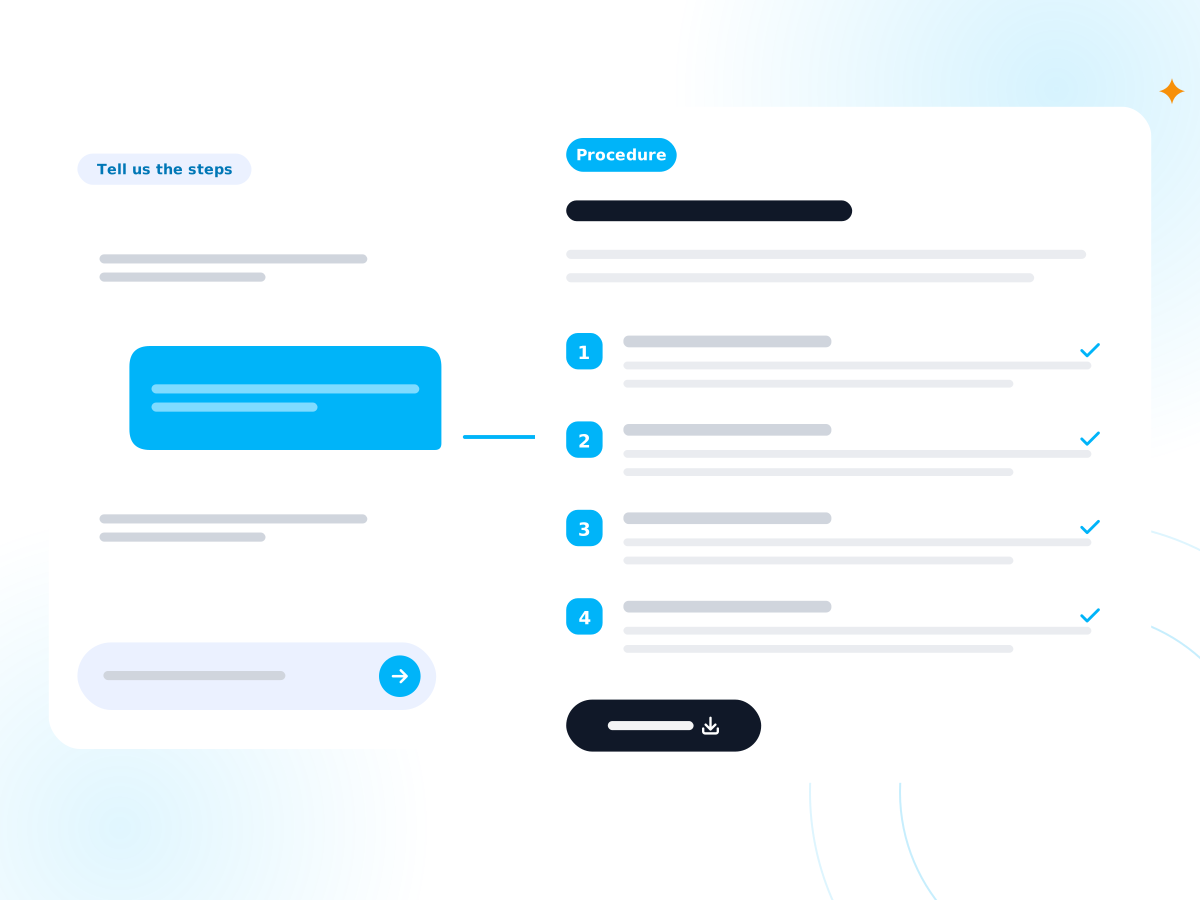
Interview answers turning into a step by step procedure document

Loading replaces the steps below. You can edit every step afterwards.

The process

Work this out properly with the Staff Time and Cost Calculator.

Steps in the process
How much time each kind of step could save

Our planning assumption for a step a tool can do alone.

Our planning assumption for a step where a tool prepares the work and a person checks it.

When you press the button your answers go to our server, which checks the sums and saves a private link to your report. You do not need to give an email address.

How we work this out

You list the steps. For each one you say whether it follows a fixed rule, is done the same way each time, uses data that sits in a system and needs human judgement.

Automate = a fixed rule, repeated, data in a system, no judgement needed. Assist = no judgement but only two of those three are true, or judgement is needed but the rule and the data are both clear. Keep human = everything else.

The same answers always give the same map. No AI decides the scores.

Hours saved a week = minutes for the step × runs a week ÷ 60 × the saving range for its type. Value a year = hours × cost per hour × weeks a year.

The saving ranges are planning assumptions, not measured results. Change them if you know better.

Example: a seven step enquiry process might show three steps to automate, two to assist and two to keep with a person.

How does the tool work?

  1. 1

    Choose a role and a process template, such as invoice approval or new client onboarding

    Or type the steps in your own words.

  2. 2

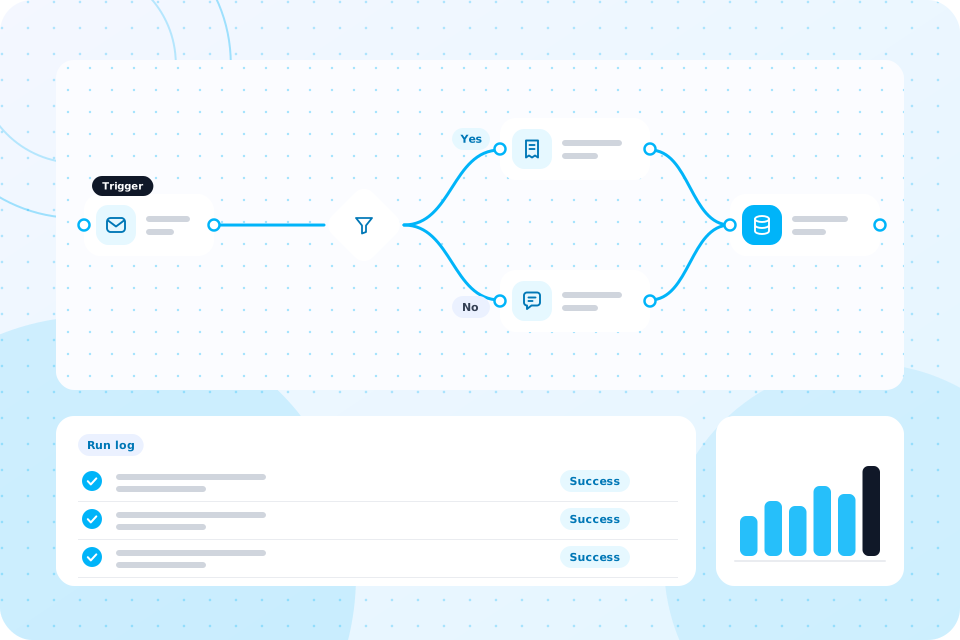
    The tool writes the steps up as a clean SOP, in plain English

  3. 3

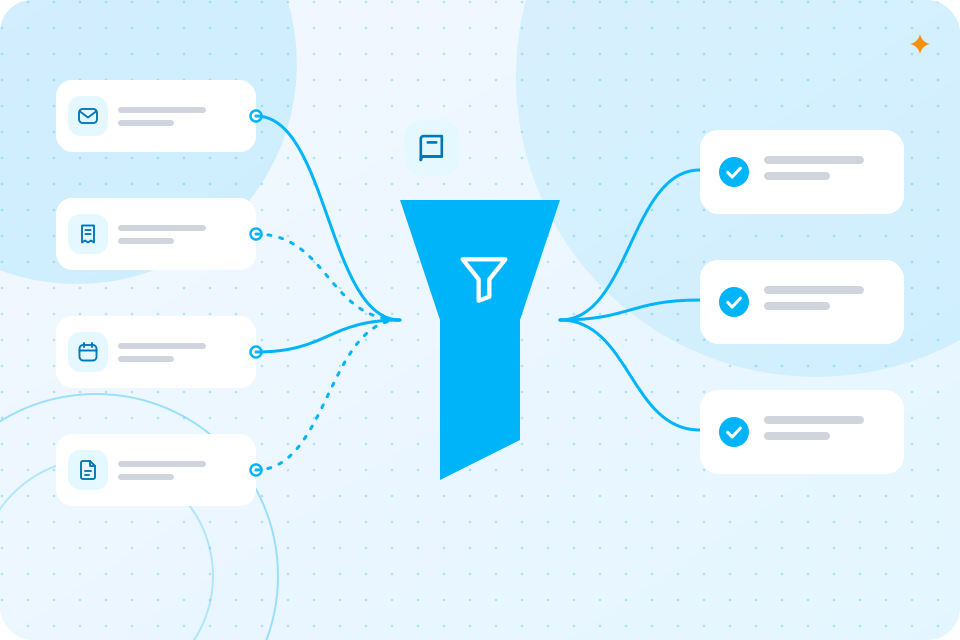
    Each step is scored and given a label: automate, assist or keep human

  4. 4

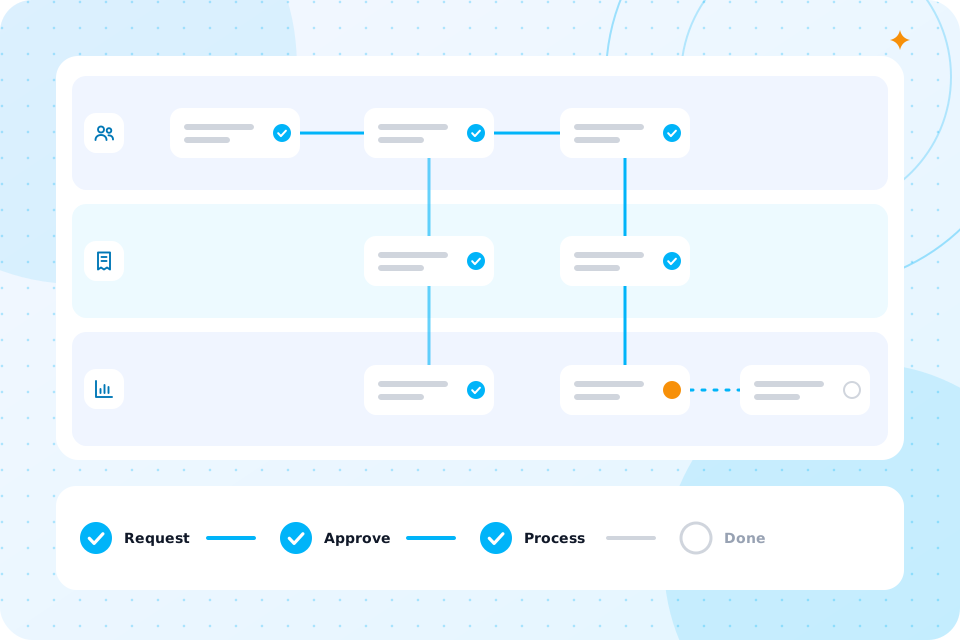
    You see a map of the process, a suggested tool for each automate step and a range of hours saved

SOP generator

What are the assumptions behind the map?

The labels come from fixed rules, not from guesswork. Each step is checked against four questions:

Does it follow a rule?

Does it repeat often?

Is the data in a system we can reach?

Does it need judgement?

A step that follows a rule, repeats and uses reachable data is marked automate. A step that needs some judgement but has repeatable parts is marked assist. A step that needs judgement throughout is marked keep human.

The same input gives the same map every time. An AI model may help write the SOP wording when that feature is switched on, but it does not set the scores.

Hours saved are ranges, not promises. They depend on how often the process runs and how long each step takes you today.

What do I get to keep?

The SOP as a Word document

A one page step map

Three quick wins, ranked by hours saved
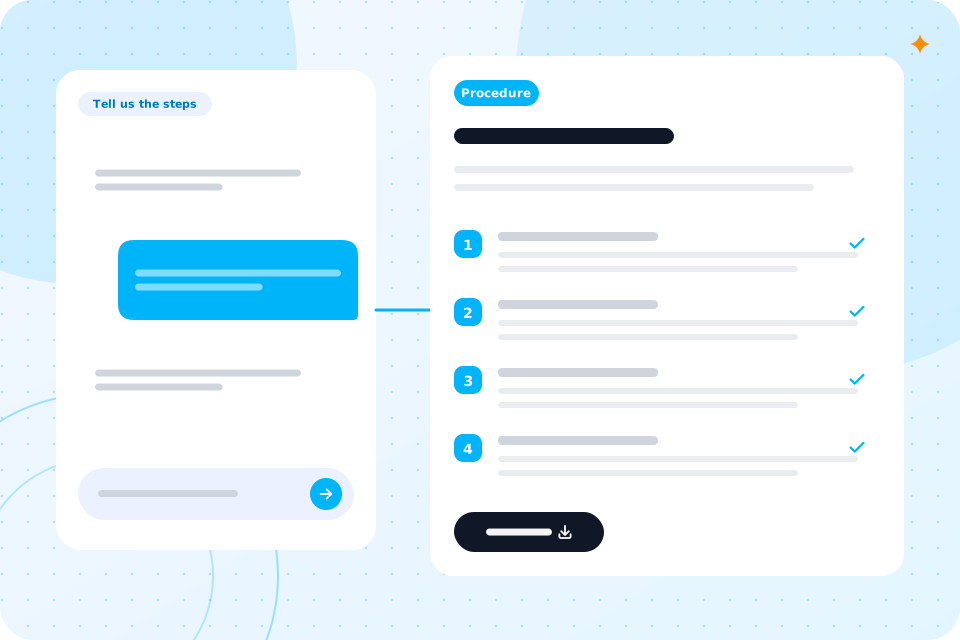
Interview answers turning into a step by step procedure document

Common questions

What is an SOP?

A standard operating procedure. It is a written list of the steps to do a task, so anyone on the team can follow it the same way.

Do I need to know which tools I use?

No. Name them if you can, such as Xero, HubSpot or Outlook. The map is more useful when you do.

Will the tool automate the process for me?

No. It shows what could be automated. If you want it built, book a call and we scope it.

Is "keep human" a failure?

No. Some steps need a person's judgement, and that is where your people add the most value.

How long does it take?

A few minutes for a short process.

Privacy

Please do not type personal data about customers or staff into the steps. Use roles, not names. We use your answers to produce your map, and we save them without your name or email to see how the tool is used. If an AI model helps with the wording, your text goes to our AI provider for that step only. If you ask for the report, we keep your email and results for up to 12 months and then delete them. Read our privacy policy.
Phone answering with live soundwave and a booking confirmation card

What next?

If the map shows steps worth automating, we can build them. Bring it to a call, and we will scope the work from it.

Bring your map to a call

The first call is free. We scope the work from your map and say what to build first.

Scroll to Top