+44 7435 708864Book a free 30 minute callBook a call

Industry

AI for Law Firms in the UK: Answer Every Enquiry, Keep Every Client Informed

A new client rings at 6pm and gets voicemail. They try the next firm. Meanwhile your fee earners type the same intake details, chase the same documents and answer "where is my matter?" calls. HAeX builds AI for law firms that handles the routine, under solicitor control. Nothing goes to a client without a person agreeing the rules.
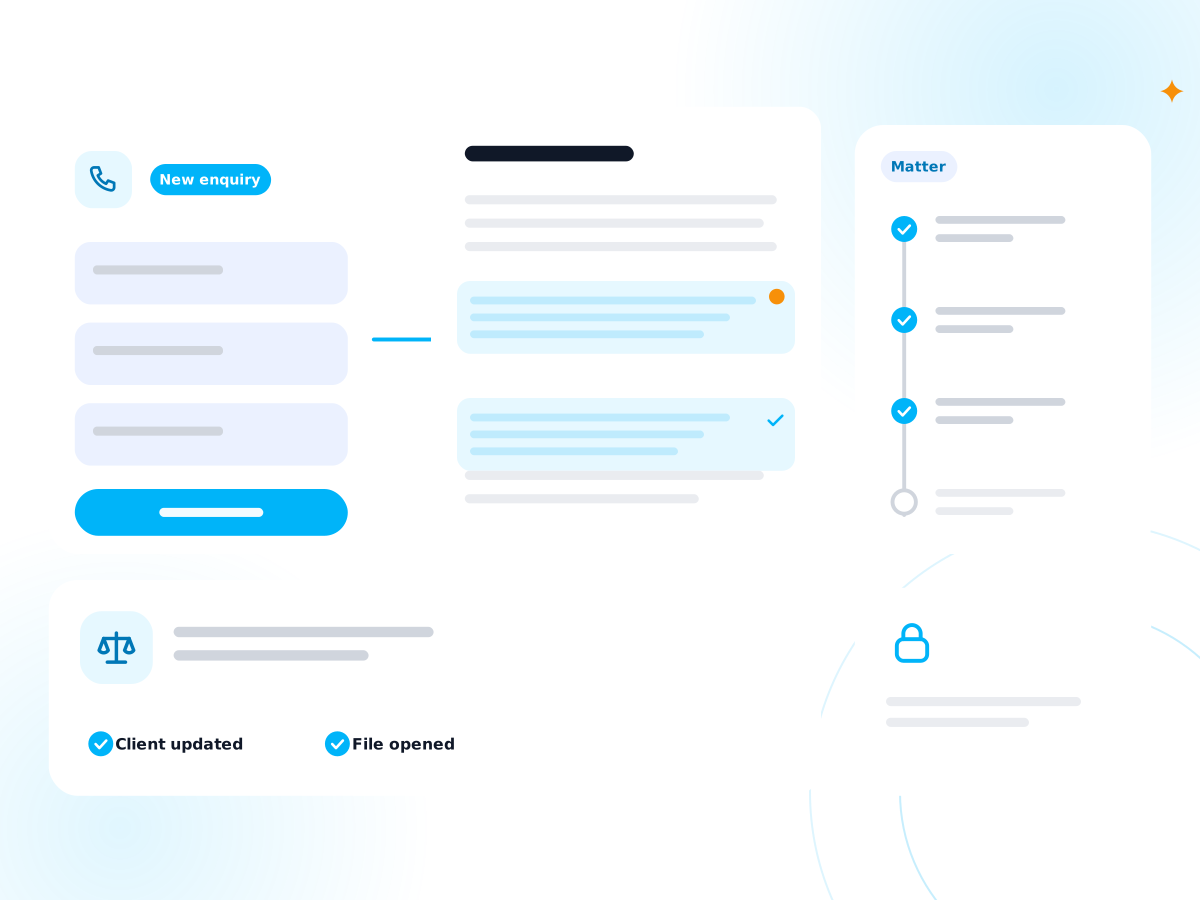
An enquiry intake, a document with marked clauses and a matter timeline

Legal

Where does the time go in a law firm?

It goes on five jobs around the legal work. None needs a solicitor's judgement, yet fee earners still do them.

New enquiries

They arrive by phone, form and email, at all hours. A slow reply loses the instruction. A rushed intake misses facts.

Intake and checks

Someone gathers names, details, ID and the other side's name, then runs a conflict search before anyone says yes.

Chasing documents

Clients send ID, proof of funds and papers late and in pieces. Fee earners chase, file and chase again.

Matter updates

Clients ring to ask where things stand. Each call interrupts work that is billable.

Drafting and time recording

First drafts start from precedents, and time recording gets done at the end of the day from memory.

How can UK law firms use AI safely?

Use AI for intake, admin and first drafts. Keep a solicitor responsible for every legal decision and every client communication that matters. Choose tools whose data terms protect confidentiality and privilege. We build with those limits and write a UK GDPR and data flow note for each project.

Here is the same week with and without the automation. These are examples, not client results.

Your week, before and after

BeforeAfter
Voicemail after 5pm, and calls back next morningCalls answered, details taken, a summary sent to the right person
Typing intake details into the case systemIntake form fills the record, with gaps flagged
Running conflict checks by hand on every enquiryNames are checked against your records, and a solicitor decides
Chasing clients for ID and papersReminders go out, and what arrives is filed
Answering status callsClients get a plain update at each stage

Which five workflows can we automate first?

These five suit most firms. Each links to the service page that builds it. The figures use assumed numbers, so replace them with yours.

WorkflowWhat it doesExample with assumed figures
Enquiry intake and conflict triageTakes details, checks names against your records, alerts a solicitor20 enquiries a week at 12 minutes is 4 hours. See AI agents
New matter callsAnswers calls and books a consultationSee the AI Receptionist
Document assemblyBuilds a first draft from your precedent and the client facts6 drafts a week at 40 minutes saved is 4 hours. See generative AI development
Matter updatesSends a plain update when a stage changes25 status calls a week at 6 minutes is 2.5 hours. See AI workflow automation
Time recording promptsReminds fee earners with a draft entry from calendar and email10 fee earners at 10 minutes a day is 1 hour 40 minutes a day

For approvals and handovers between teams, see business process automation.

How does each workflow work in practice?

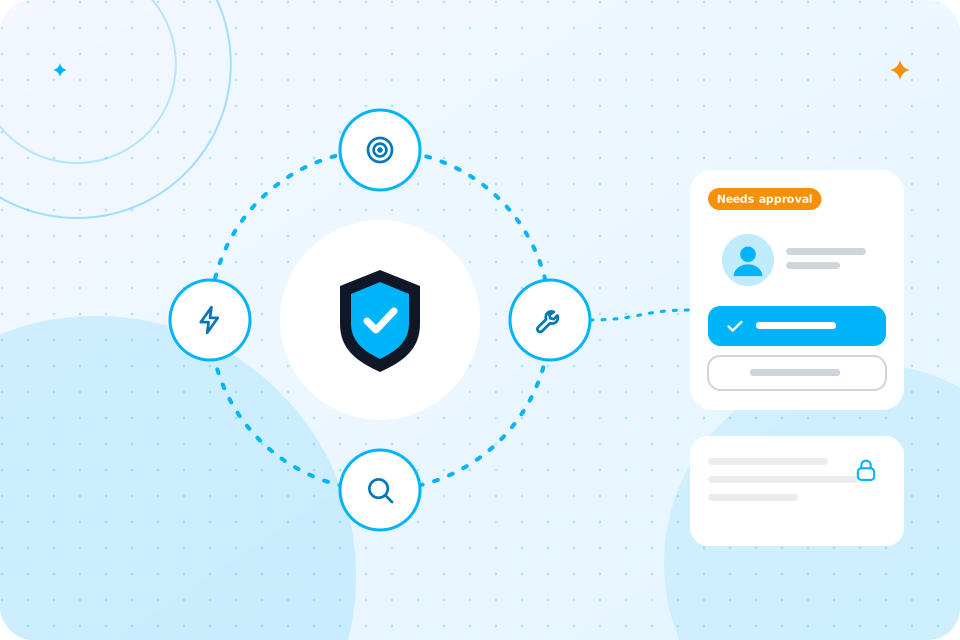
Each one follows the same pattern: the automation does the routine steps, and a solicitor approves anything that matters.

Enquiry intake and conflict triage

A form or a call collects the details you need. The tool checks the names against your client and matter records and shows a possible match. It does not clear or refuse anyone. A solicitor or compliance officer reads the result and makes the call. You keep a record of who decided and when.

New matter calls

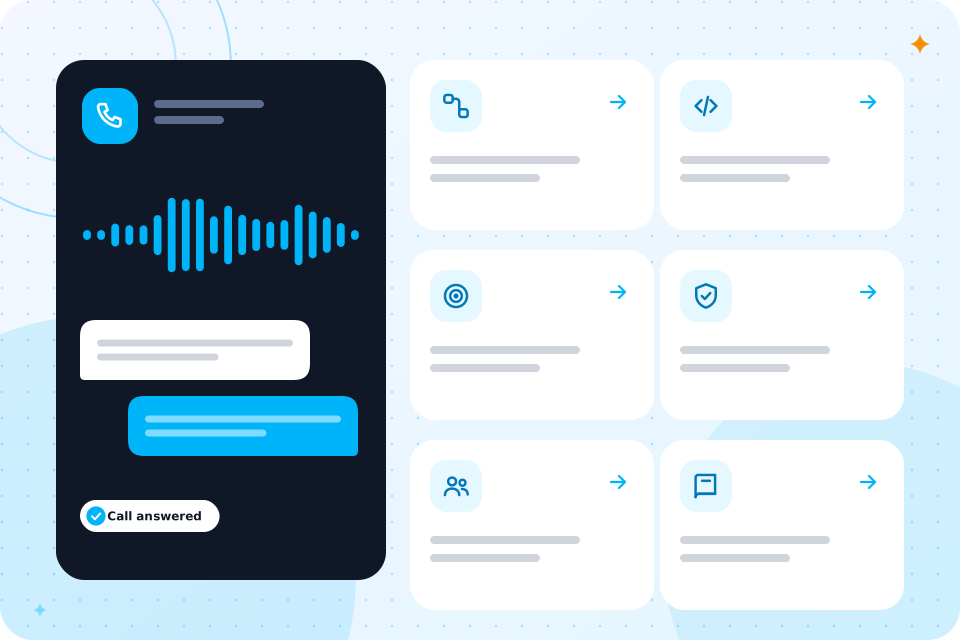
The AI Receptionist answers in a calm, clear voice, takes the facts of the enquiry and books a first call in your diary. It says it is an AI assistant if asked. It gives no legal advice. If a caller is distressed or the matter is urgent, it passes the call to a person at once.

Document assembly

We connect your precedents to a drafting tool. A fee earner enters the client facts, and the tool builds a first draft with the right clauses. A solicitor edits and signs off every document. The tool shows which precedent it used, so you can check the source.

Matter updates

When a stage changes in your case system, the client gets a short, plain message. It says what happened and what comes next. A fee earner approves the wording once, and the system sends it each time. Clients ring less, and fee earners get time back.

Time recording prompts

At the end of the day, a prompt shows a draft entry based on calendar events and sent emails. The fee earner edits and accepts. Nothing posts without their say. Fewer entries are forgotten.

UK rules mapped to requirements with a met or open status and a review date

Which UK rules apply to AI for law firms?

Several rules apply at once. The table shows the main ones, what they mean for AI and how we handle them.

RuleWhat it means for AIHow we handle it
SRA Standards and RegulationsYou stay responsible for the service you give and for client confidentialityA solicitor reviews outputs, and we log what the tool did
Confidentiality and legal professional privilegeClient material must not leak, and privilege must not be lostTools with the right terms, limited access and no public tools
Law Society guidance on generative AIThe professional body sets out risks and good practiceWe follow it and tell you when it changes
Money Laundering Regulations 2017Firms in scope must do due diligence and keep recordsAutomation collects documents; your compliance officer decides
UK GDPRClient data needs a lawful basis, limits and securityA data flow note, and a DPIA where one is needed

We are not a law firm, and nothing here is legal advice. Take legal questions to your own adviser or your regulator.

What would a first project look like, and what does it cost?

A first project is usually the AI Receptionist plus intake automation, built in 2 to 6 weeks. We scope the price on a call and quote in writing.

It starts with the AI Automation Audit. It maps your process, ranks five automations by hours saved and gives a written quote. You can build with us or take the plan elsewhere.

We can scope a first project for your firm on a free call.
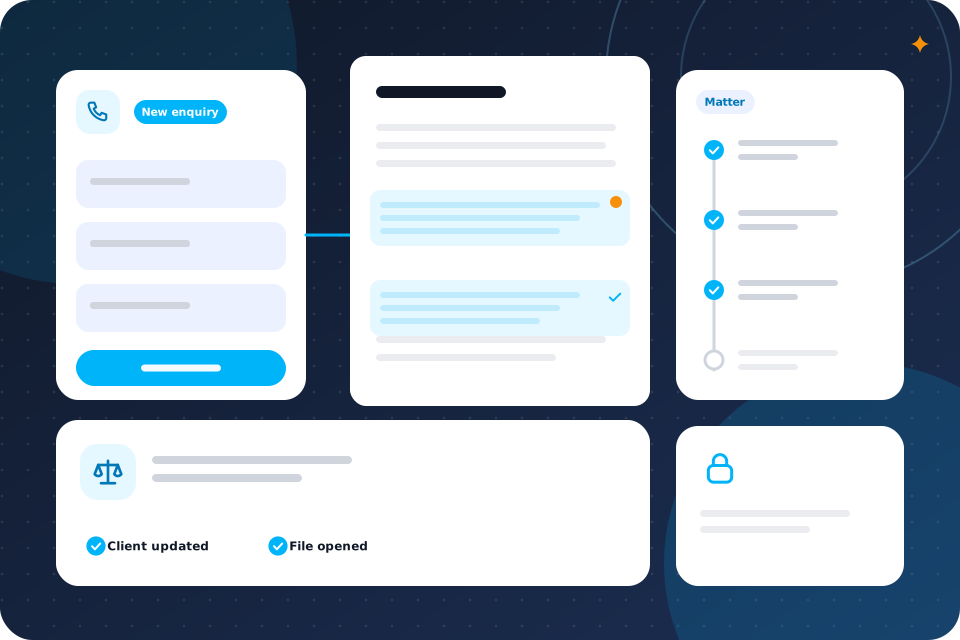
An enquiry intake, a document with marked clauses and a matter timeline

They do, because many instructions start with a call. A missed call is often a lost client.

Do calls matter for a law firm?

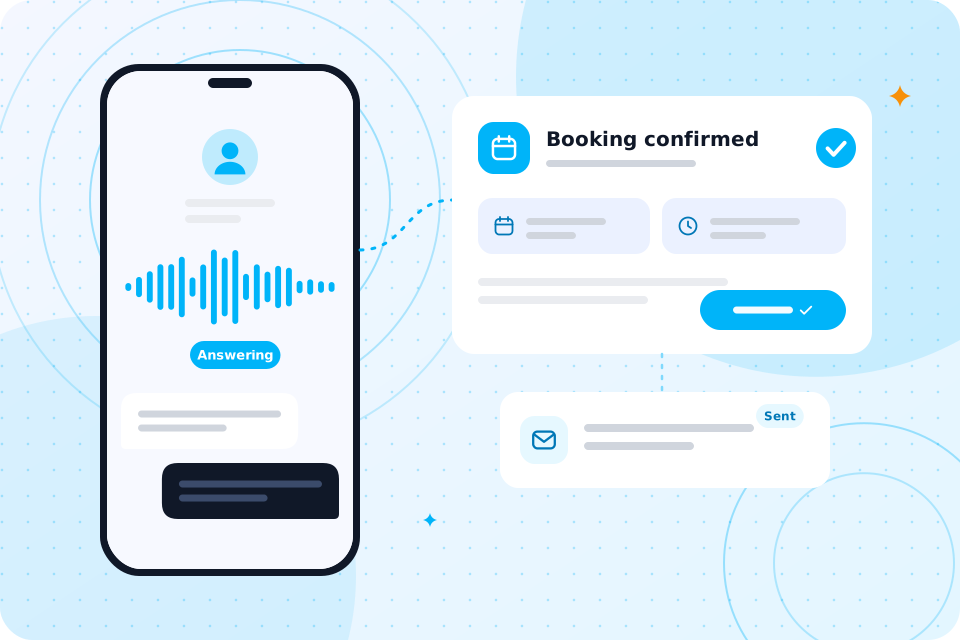
The AI Receptionist answers every call, takes the details and books a consultation. It answers only from information you approve and gives no legal advice. Callers are told if a call is recorded. A person handles anything urgent or sensitive.

Is client data safe, and what about privilege?

It can be, if we choose tools with the right terms and keep access tight. We never put client material into a free public tool.

We state which provider sees which data, where it is processed and what is kept. Every build has a UK GDPR and data flow note, and a DPIA where needed. For a policy and staff briefing, see AI governance and compliance.

For a written policy and risk record, see AI compliance consulting. Our guide on AI ethics consultants and governance leads covers who should own it.

What will we not automate?

We will not automate legal advice, conflict decisions or the acceptance of a client. Those need a solicitor.

We also do not let a tool send documents to clients or courts unseen. The aim is less admin, not less care.

They notice a prompt answer, a clear next step and fewer chasing calls. They do not notice the automation behind it.

What do your clients notice?

A person who rings a firm in distress wants to be heard and told what happens next. An intake that takes the facts once, and a booked call, does that well. Later, a plain update at each stage answers the question they would have rung to ask. Fee earners also keep more of the day for advice and fee earning work.

How do we keep a solicitor in charge?

We build review points into every workflow. A draft waits for a solicitor. A conflict match goes to a named person. A client message uses wording the firm has approved.

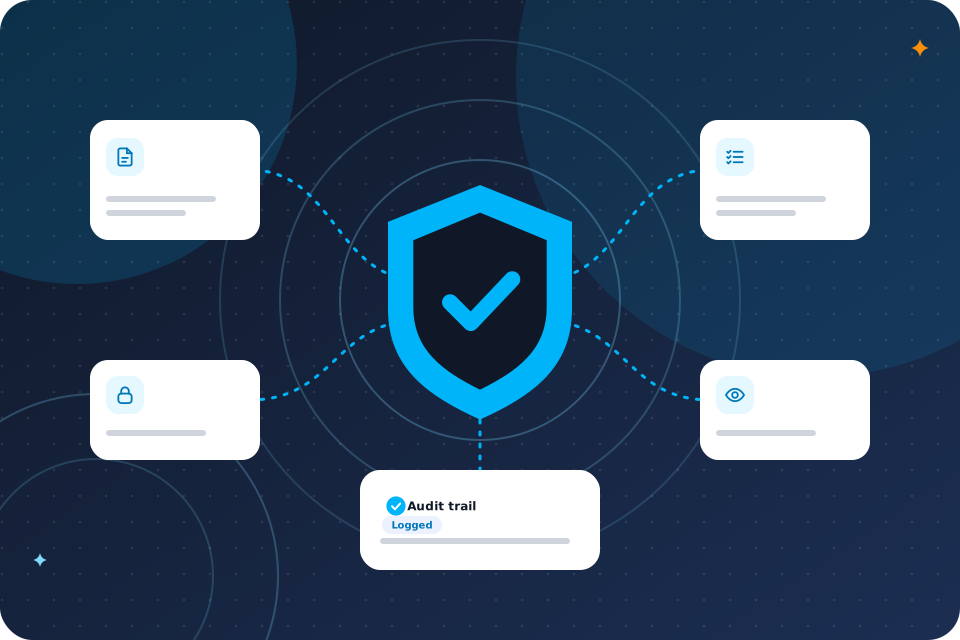
We also keep a log of what the tool did and who approved it. If a regulator, insurer or client asks how you use AI, you can show them. That record is part of the data flow note we write for each project.

Where should we start?

Start with the point where instructions are lost, which is usually the phone or the form. Then add document assembly.

The free call is the quickest way to choose. You can also compare with AI for accountants, which faces a similar document load.

Questions that come up

Can AI draft legal documents?

It can build a first draft from your precedents. A solicitor must review and sign off every document.

Is it safe to use ChatGPT with client information?

Only with the right plan, settings and rules, and never in a free public tool. We help you write a policy.

Does the SRA allow firms to use AI?

The SRA expects you to stay responsible for the service you give. We design with that in mind. Check the SRA's current guidance.

Will AI replace solicitors?

No. We automate tasks, not people. It removes the admin so fee earners can advise.

Can an AI receptionist take instructions?

It can take details and book a call. A solicitor decides whether to accept the matter.

What happens on the call

  1. 1

    You tell us where your fee earners lose time

  2. 2

    We say which workflow to automate first

  3. 3

    You leave with a short list of what to automate first and a rough idea of cost

Prefer to talk first? Ring 07435 708864.

What you now know

  • What eats your week
  • How to use AI safely in a law firm
  • What your week looks like before and after
  • Which five workflows to start with
  • Which UK rules apply
  • What an example looks like
  • What a first project costs
  • Where calls fit
  • How privilege and data are protected
  • Where to start

Talk through your enquiries

The first call is free. We say which routine intake tasks to automate, with a solicitor in charge.

Scroll to Top