+44 7435 708864Book a free 30 minute callBook a call

Service

Workflow Automation Services for UK Businesses, Built With AI

Workflow automation services connect the tools you already use so work moves from one step to the next without anyone retyping it. HAeX adds AI where a step needs reading or writing, and keeps a person in charge of the result. We scope each build on a free 30 minute call.

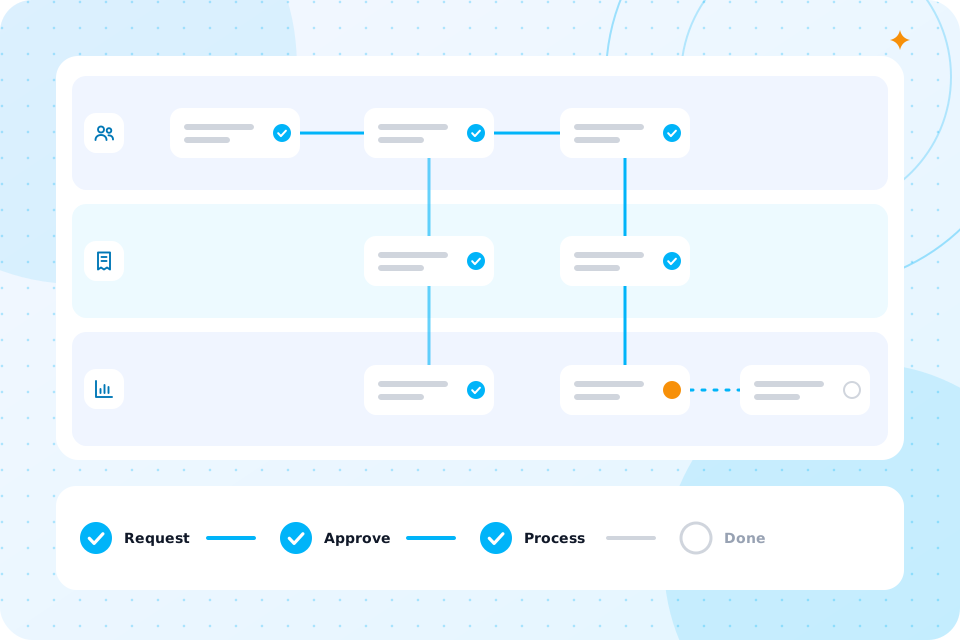
A branching workflow canvas above a log of successful runs
Price
scoped on a call, then a fixed quote
Build time
usually two to six weeks, depending on the tools involved
Tools we build with
Make, n8n, Zapier, Power Automate, OpenAI and Claude
Control
a person signs off any step where a mistake would cost you money
Data
a UK GDPR and data flow note comes with every build
Experience
the team has worked with AI since 2022

It suits any business where the same steps happen again and again, across more than one tool, and someone retypes the data between them.

Is workflow automation right for my business?

Think of the lead that arrives by email and gets copied into a spreadsheet, then a CRM, then a reminder. Or the new starter whose details go into four systems. If the steps follow a pattern, they can be automated. If every case needs fresh judgement, they cannot.

This page is about connecting tools. If you want to redesign a whole process first, start with business process automation. Accountancy practices often begin here, so see AI for accountants.

What is AI workflow automation, and how is it different from basic automation?

A basic automation follows fixed rules. AI workflow automation adds a step that can read an email, a document or a form, and work out what it means.

A rule can move a file when it lands in a folder. It cannot tell whether an email is a complaint, a quote request or spam. An AI step can. It then passes the result to the next step, and a person checks anything that matters.

That is the whole difference. You get the speed of automation on messy, real world inputs. Our parent page on AI Automation Services covers the wider picture, and our AI automation guide explains the terms.
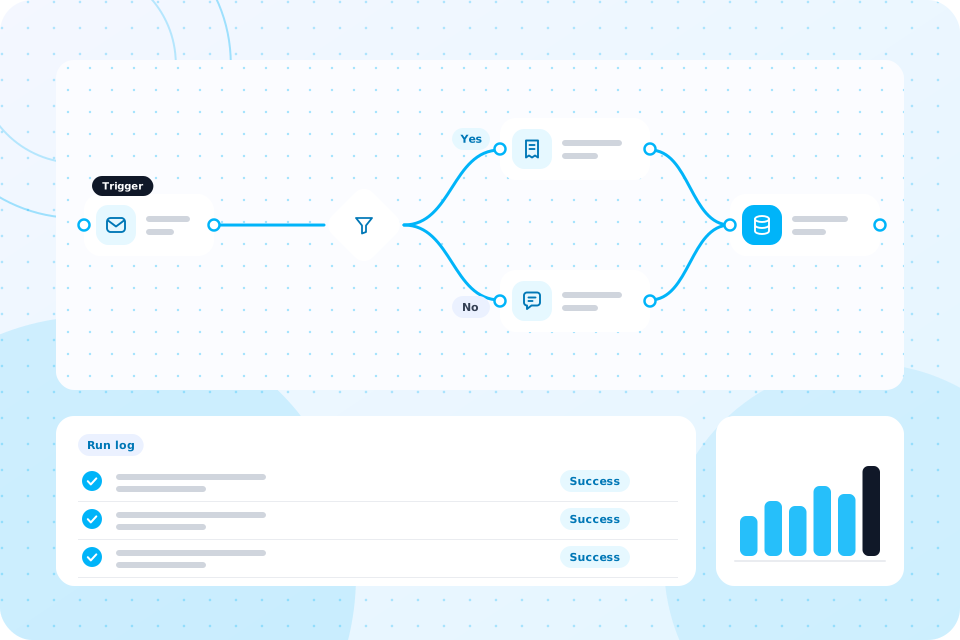
A branching workflow canvas above a log of successful runs

AI workflow automation

Which workflows can you automate?

We automate workflows in sales, finance, HR and IT, and anywhere else the steps repeat.

We suggest you automate one task first. Pick the one that annoys people most, prove it works, then add the next.

Online shops use workflows for returns and order questions, as set out for retail and ecommerce. Manufacturers use them for order entry and document control, as set out for manufacturing.

We build with Make, n8n, Zapier and Power Automate, and use OpenAI and Claude for the AI steps.

Which tools do you build with?

We are vendor neutral, so we choose the tool that fits your systems and your budget. If you live in Microsoft 365, a Power Automate consultant is often the simplest route. If you want more control over where data runs, our n8n agency service suits you. For quick links between common apps, see our Zapier and Make consultant page.

We connect to tools such as Xero, HubSpot and Outlook where they offer a connector or an API. We check this on the first call.

Can you show me an example?

Here is an example workflow. It is a description, not a client result.

A firm gets quote requests by email. Today someone reads each one, copies the details into a CRM, writes a reply and sets a reminder.

StepTodayWith the workflow
Read the emailA person reads every messageAn AI step reads it and sorts it as a quote request, complaint or other
Log the detailsCopied into the CRM by handAdded to the CRM automatically
Draft the replyWritten from scratchA draft is written from your approved wording
Check the replyThe writer sends itA person reads the draft and approves it
Follow upA reminder, if someone remembersA follow up is booked automatically

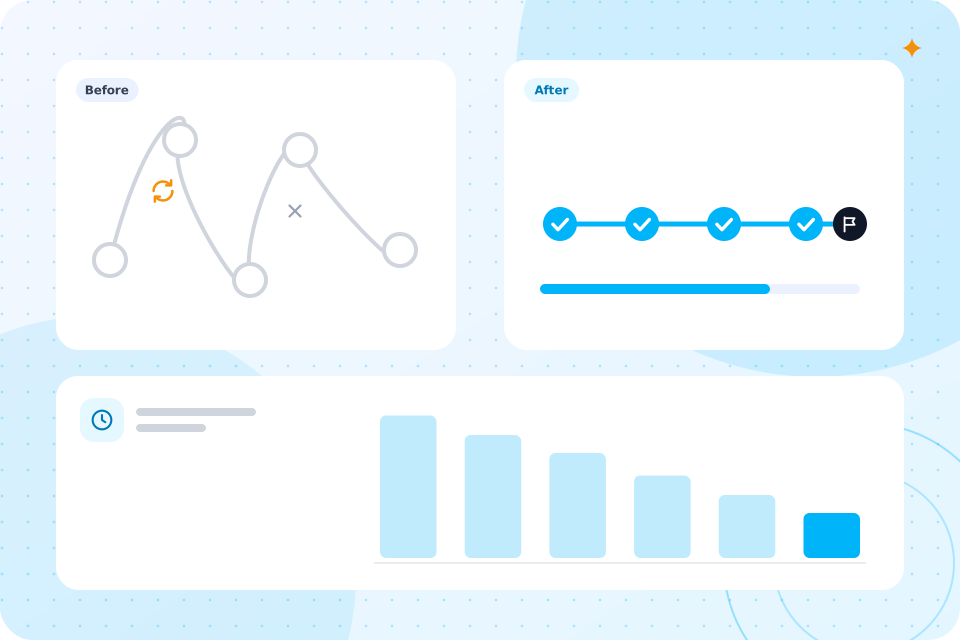
We measure the time each run takes before we build anything. That gives you a real before and after, in hours and pounds, for your own firm.

What could go wrong, and who checks it?

The risk is a wrong answer that nobody notices, so we put a person at every step where a mistake would cost you money.

We call these human sign off points. We agree them with you before the build. AI drafts, a person approves, and the workflow carries on. After launch we watch the runs, fix errors and improve the workflow as part of the run and improve step.

Some steps do not need a check. Moving a file to the right folder is low risk. We keep checks where they matter and out of the way where they do not.

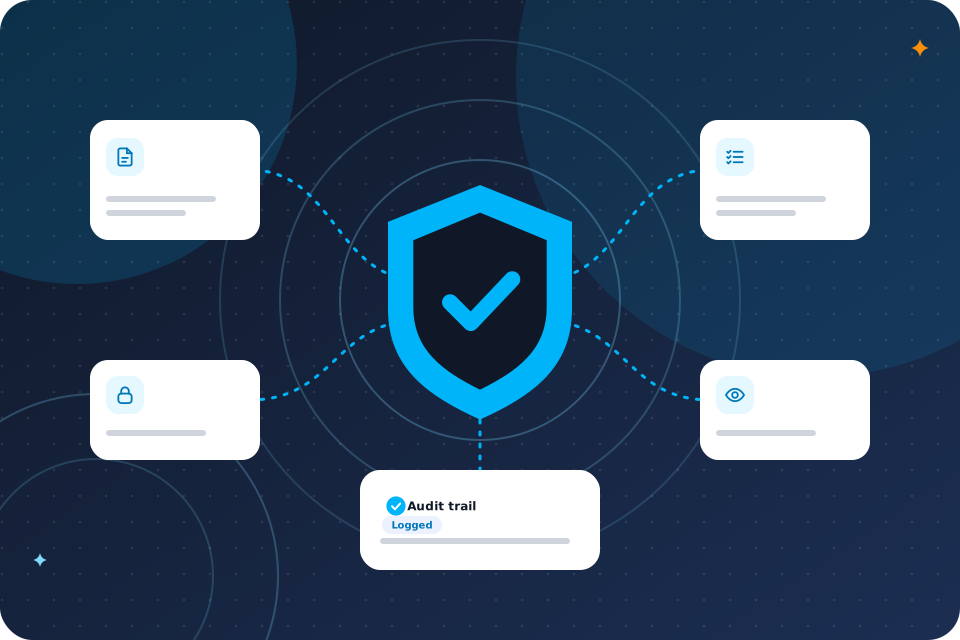
Every build comes with a UK GDPR and data flow note, and a data protection impact assessment where the work needs one.

Is my data safe?

The note shows which tools see which data, and where each stores it. You see it before you sign. If your workflow handles personal data, we tell you what to put in your privacy notice. Read more on AI governance and compliance.

What do workflow automation services cost?

We scope it on a free call and give you a fixed quote, as the price depends on the workflow and the tools it touches.

We do not publish a single figure, because a two step automation and a ten step one are very different jobs. These things move the price.

What changes the priceWhy
Number of stepsMore steps mean more to build and test
Number of toolsEach tool needs a connection and a check
AI stepsReading messy inputs takes more testing
Sign off pointsThey add a little to the build, and save you money later

AI workflow automation

How long does it take?

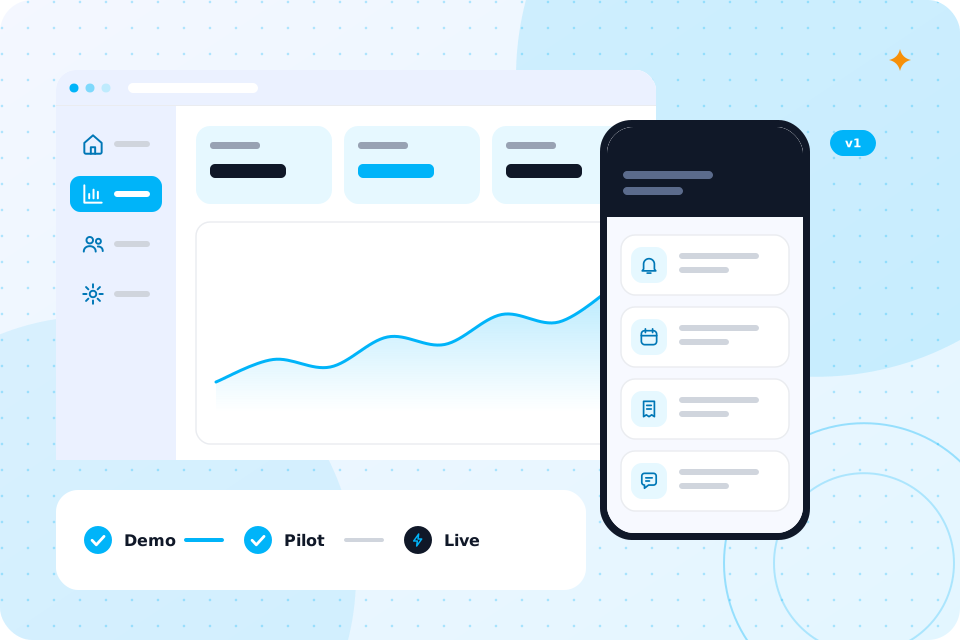
Most builds take two to six weeks from the audit, depending on how many tools connect.

  1. 1

    Discovery call

    30 minutes. You tell us what you want to stop doing by hand.

  2. 2

    Audit and fixed quote

    We map the workflow, pick the first task and send a fixed quote.

  3. 3

    Build

    Two to six weeks. We build, test with your real data and agree the sign off points.

  4. 4

    Run and improve

    We watch the runs, fix errors and improve the workflow.

Bring your top three repetitive tasks. That is all we need.

What should I bring to the first call?

Write down what triggers each task, which tools it touches and who does it today. A rough list is fine. If you want a head start, the free Workflow Automation Map turns the steps into a clear map with suggested quick wins.

Your questions, answered

What is the difference between workflow automation and business process automation?

Workflow automation connects tools and moves data between steps. Business process automation looks at the whole process first, and often removes steps before automating them.

Is AI workflow automation the same as RPA?

No. RPA copies what a person does on screen. AI workflow automation connects systems directly and uses AI to read messy inputs. See our RPA consultant page for when RPA still fits.

Do you work with Microsoft 365?

Yes. We use Power Automate where it is the best fit, and we can connect Outlook, Teams and SharePoint to other tools.

What if a workflow breaks?

We monitor it after launch and fix errors as part of the run and improve step. Important steps also alert a person.

How many workflows should I start with?

One. Pick the task that costs you the most time, prove it, then add the next.

Do I need a workflow automation consultant or a tool?

A tool is fine if your workflow is simple and you have time to build it. A consultant helps when the workflow touches several systems or handles personal data.

Can AI make decisions on its own?

We set AI to draft, sort and suggest. A person approves any decision that matters.

What happens on the call

  1. 1

    You tell us your top three repetitive tasks

  2. 2

    We show you how the first one would be built

  3. 3

    You leave with ideas you can act on and a clear next step

It is 30 minutes with one of our consultants, with no slides.

Prefer to talk first? Call 07435 708864.

What you now know

  • It suits repeated steps that cross more than one tool.
  • AI adds a step that can read and sort messy inputs.
  • We automate sales, finance, HR, IT and customer service tasks.
  • We build with Make, n8n, Zapier, Power Automate, OpenAI and Claude.
  • You have seen a worked example of one workflow.
  • A person checks every step where a mistake would cost money.
  • Every build comes with a UK GDPR and data flow note.
  • You get a fixed quote after a free call.
  • Builds usually take two to six weeks.
  • You only need to bring your top three repetitive tasks.

Talk through the workflows you want automated

The first call is free. Bring one workflow that costs you time, and we say what to automate first.

Scroll to Top